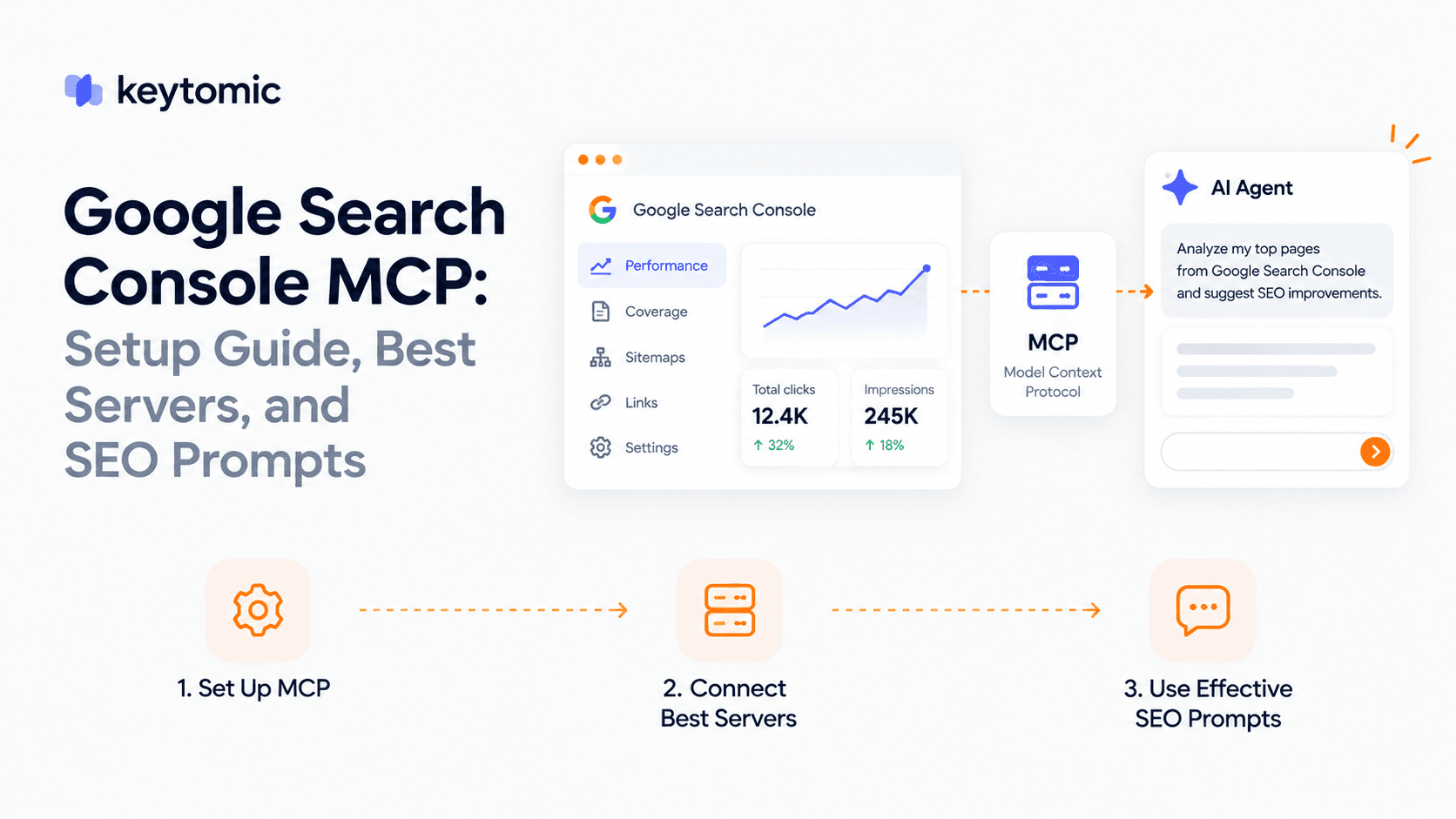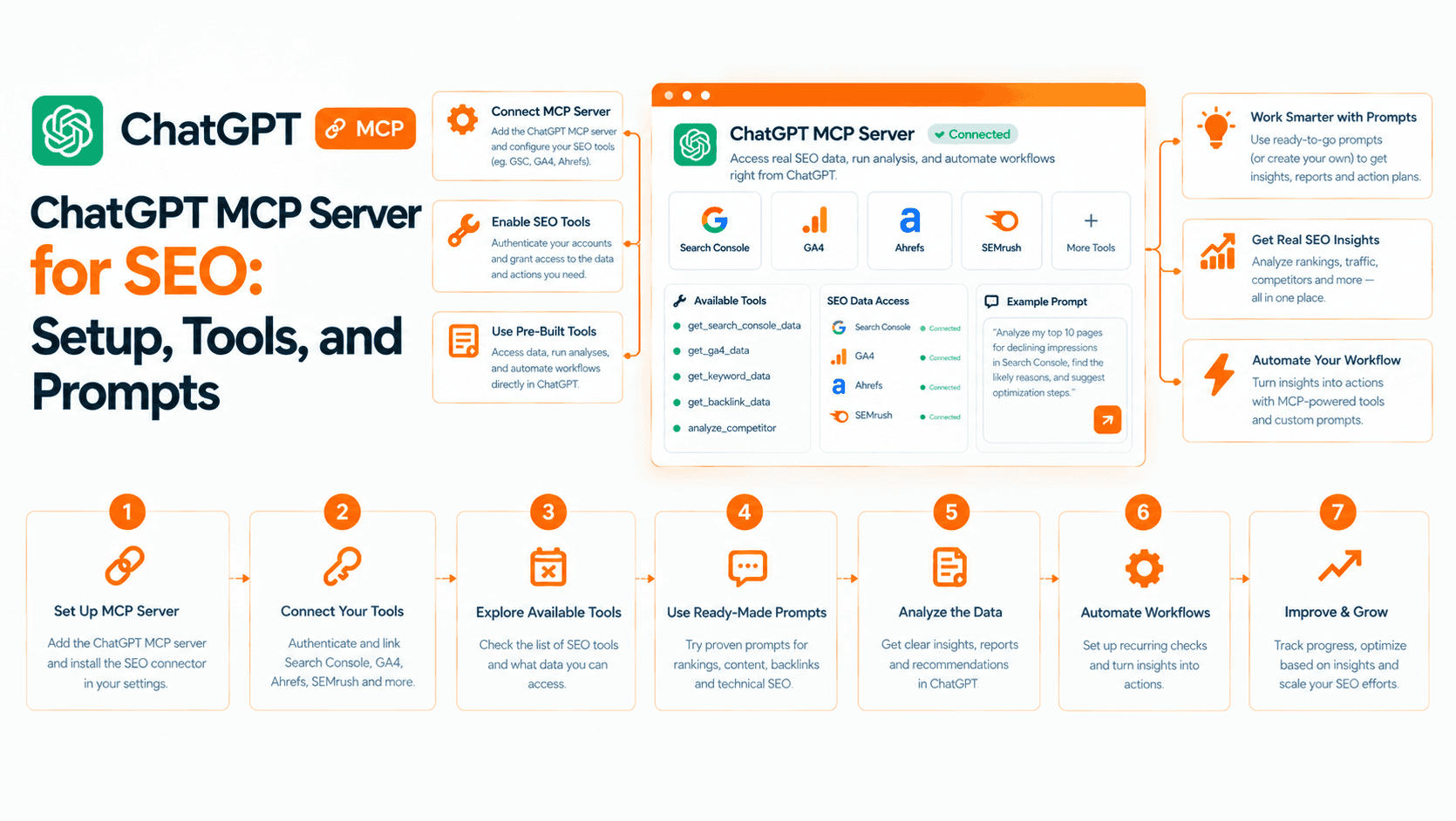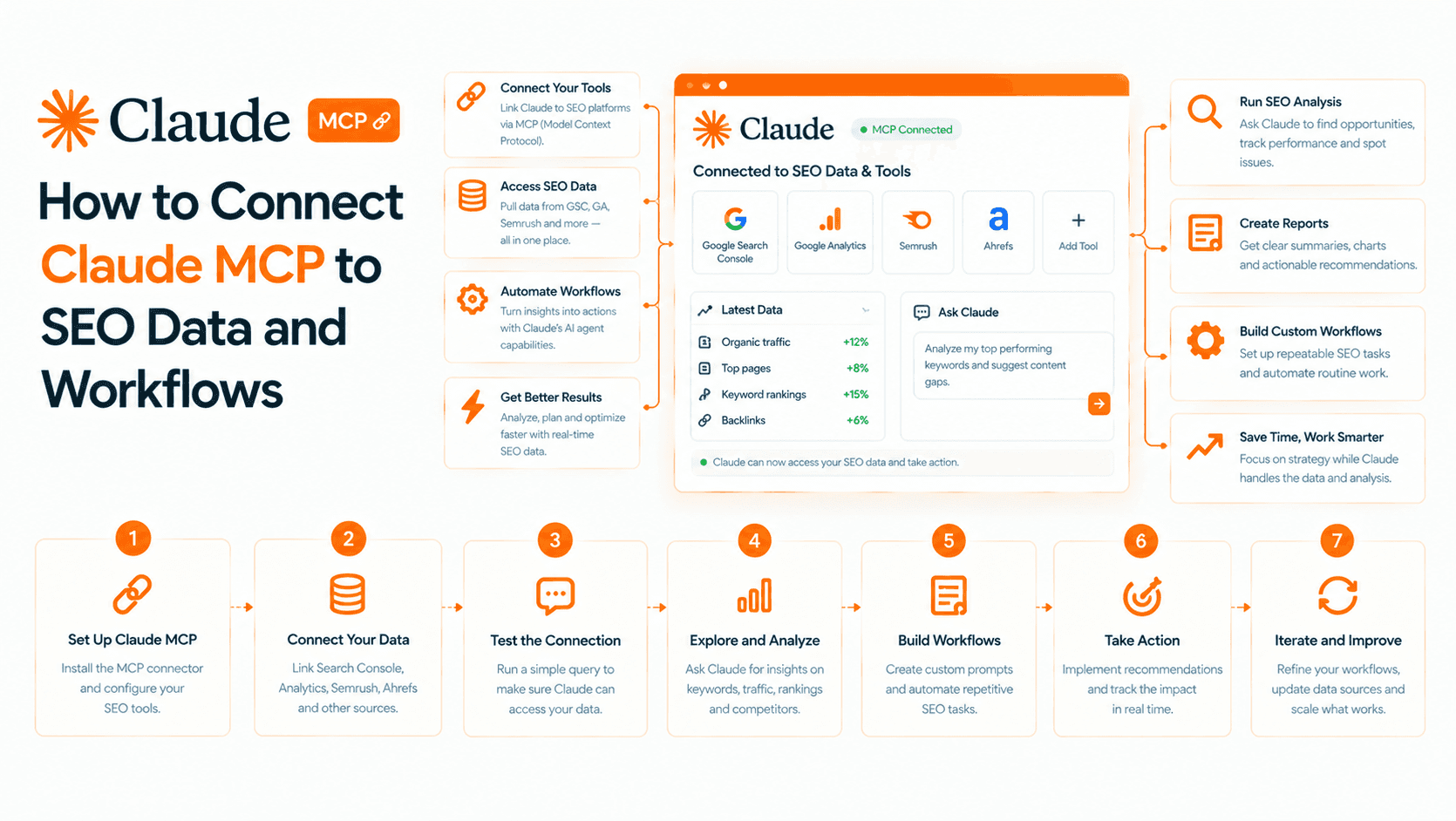
Model Context Protocol, usually shortened to MCP, is a standard way for an AI application to connect to external tools and information. For marketers, that can mean asking an assistant to retrieve real campaign or search data during a conversation instead of manually pasting reports into the chat.
The connection is useful only where a service exposes the right tools and your account has permission to use them. MCP does not give an assistant automatic access to every marketing application, and a connection does not mean it can publish or change anything. For products that do act on your site, see our comparison of AI SEO agents.
I work on product and growth at Keytomic, which offers an SEO MCP connection. That affiliation informs the examples here. This guide was reviewed on October 19, 2026 using official protocol material and our current product release context; the examples are illustrative workflows, not measured campaign results.
MCP explained without the engineering jargon
Think about how you normally ask an AI assistant for help with a report. You download a spreadsheet, remove unnecessary information, paste a sample and explain what the columns mean. The assistant can analyze what you supplied, but it cannot see changes that happen later unless you supply new data.
With a supported MCP connection, the assistant can request information from a connected service as part of the conversation. For example, it might retrieve an authorized project's search performance and use those figures to answer your question.
The official MCP documentation describes three parts:
Host: the AI application you use.
Client: the part of that application that maintains a connection to a server.
Server: the service exposing supported tools, resources or other context.
You do not usually need to build those parts to use an existing connection. You need a compatible application, access to the service and a supported authorization method.
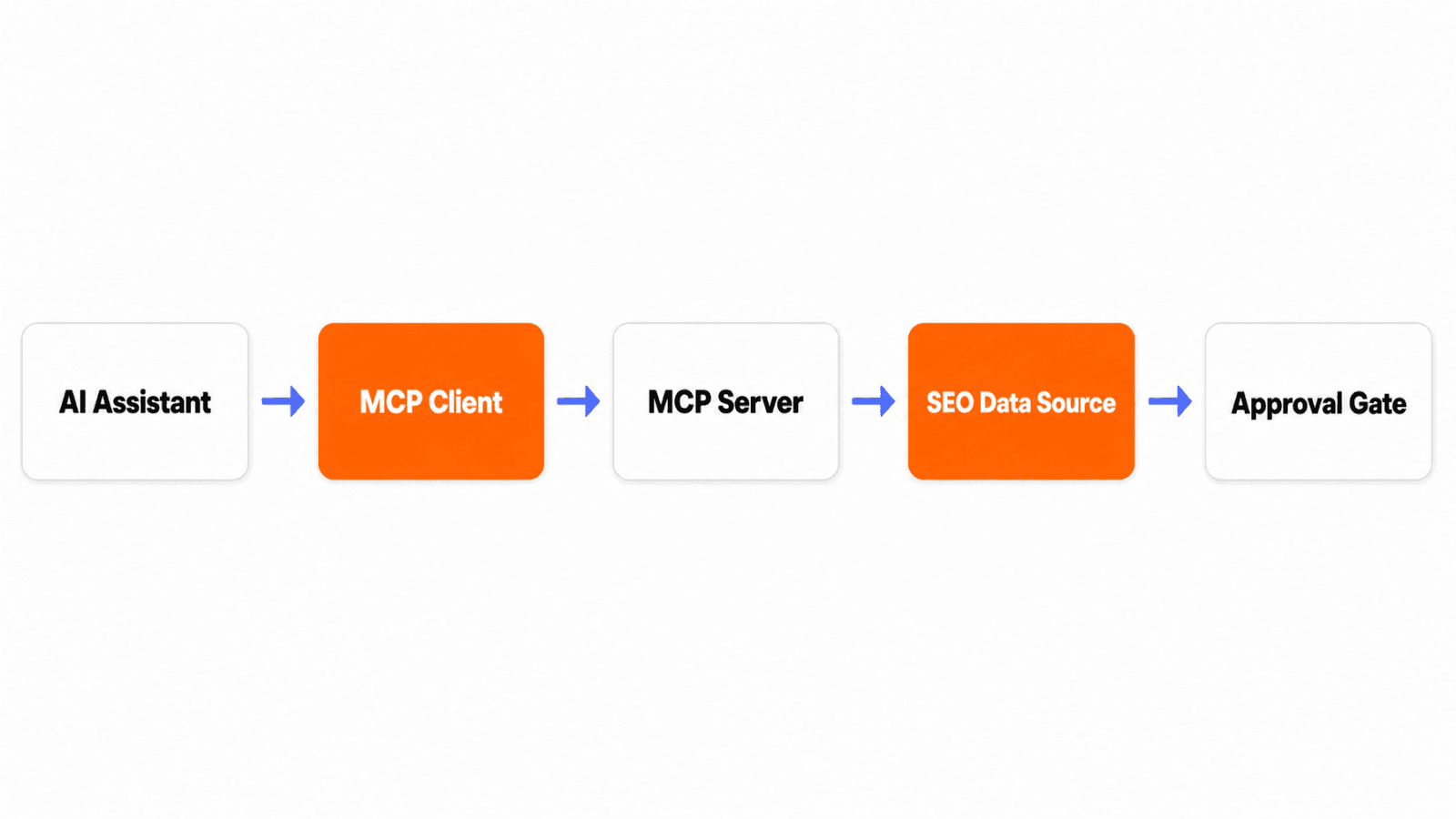
This conceptual diagram illustrates the connection. An approval check should precede a consequential action; the diagram is not a screenshot of a specific assistant or a guarantee that every server provides the same controls.
Anthropic introduced MCP publicly in November 2024. Since then, adoption and client capabilities have changed. Check your assistant's current documentation for connection availability and account requirements rather than assuming every client works identically.
What changes in a marketer's workflow?
The main benefit is reducing the handoff between a question and the evidence needed to answer it. A useful assistant can retrieve supported data, explain what it means, ask for missing context and prepare a next step.
That still leaves you responsible for the business question. “Improve our marketing” gives the assistant no meaningful boundaries. “Compare organic clicks for these landing pages over two complete periods and identify which changes deserve investigation” gives it a task you can check.
Without a connection | With a supported MCP connection |
|---|---|
Export and paste a report | Ask the assistant to retrieve authorized data |
Explain the fields each time | Use the structured fields returned by the tool |
Manually combine several outputs | Ask for a comparison across available tools |
Copy a recommendation into another system | Use an available write tool, or keep the handoff manual |
The last row matters. Reading a report, drafting a recommendation and executing it are different capabilities. Never judge a connection solely by how confidently the assistant describes the next action.
Three marketing examples with clear boundaries
1. Investigate a search performance change
Keytomic MCP is one SEO example. Production releases cover GSC performance insights, audits, project information, brand-profile editing, author settings and indexing-related tools. Other marketing systems require their own supported connections.
An illustrative prompt is:
Compare organic search clicks for this project across the last two complete 28-day periods. Show the property, dates, filters and source. Identify the pages contributing most to the change, then list questions we should investigate. Do not edit content or submit URLs.
The useful output is evidence plus a short investigation queue. A lower click count could reflect demand, rankings, a changed search results page or an indexing issue. The assistant should not jump straight to a rewrite.
For detailed prompts, prerequisites and verification, continue to practical MCP workflows for SEO.
2. Prepare an email campaign review
If your email platform offers an appropriate connection, an assistant could retrieve permitted campaign metrics and summarize differences across campaigns. You would need to define the audience, time period, metric definitions and what customer information may be included.
Ask for delivered messages, clicks and the business outcome you track. A comparison should note audience differences and attribution limits. Drafting a subject-line recommendation is different from sending an email; retain an explicit review step for a send action.
This is a general example of a possible email-platform workflow. It is not a claim that Keytomic MCP provides an email campaign connection.
3. Prepare a CRM handoff
A supported CRM connection might retrieve authorized account or opportunity information so an assistant can prepare a meeting brief. The brief should distinguish recorded facts from suggested next steps and avoid exposing fields unrelated to the task.
A read-only account summary is a sensible first pilot. Updating a lifecycle stage, creating a task or contacting a prospect would require separate tools and permissions. Connecting the CRM does not establish that every one of those actions is available.
The same distinction applies across marketing: available data, allowed actions and the person approving the outcome should be explicit.
MCP, APIs, integrations and agents: what is the difference?
An API is an interface a service exposes for software to use. An MCP server may call an API behind the scenes. MCP gives compatible AI applications a common way to discover and use supported capabilities; it does not replace every underlying API.
A native integration connects products for a defined workflow, such as publishing a CMS article or syncing an audience. That can be more convenient than a chat interface when the process is stable and needs little discussion.
A workflow automation runs a predefined sequence, often triggered by an event or schedule. It is useful when the steps and failure handling are predictable.
An AI agent can plan and choose actions within a defined task. It may use MCP, direct APIs, a browser or a mixture. MCP is the connection layer; the agent's planning, permissions and verification determine how the work gets done. For the SEO version, read how AI SEO agents work.
Choose the interface around the task. A recurring, approved publishing schedule may suit a platform workflow. An exploratory question about a performance decline may benefit from a conversation with tools.
What is available in Keytomic, and what is still developing?
Keytomic's platform connects research, planning, content creation, publishing, indexing, measurement and improvement. Its MCP interface exposes a subset of that workflow.
As of October 19, 2026, released MCP work covers GSC insights, audits, project information, brand and author settings and indexing-related tools. MCP content planning, including calendar topics and keyword selection, is ready for production; check deployment before assuming it is available in your account.
Expanded MCP GA4 analytics, Bing data, integration status and indexing actions are in progress. MCP article generation, draft editing, image creation, direct CMS publishing and access to AI visibility, backlinks and Reddit Agent are planned.
The platform's separate Content Refresh / Improvement module remains in progress, and the enhanced technical audit report is in review. Those statuses should not be confused with the existing audit capability or the platform's current content and publishing tools.
How to try your first connection
Use the Keytomic MCP setup guide for current connection steps. For another service, use its official server documentation and your assistant's supported connection method.
Choose one question. Define a result that you can compare with the source interface.
Confirm access. Check the correct account, project and upstream integration.
Connect using the documented flow. Avoid sharing credentials directly in chat.
Inspect available tools. Ask what the connection can read and what it can change.
Run a read-only pilot. Require sources, dates, filters and missing-data notes.
Review the result. Compare a small sample with the original report before expanding the workflow.
Save a reusable prompt only after the first comparison is reliable. Include the metric definitions and property in the prompt so the next run answers the same question.
A practical adoption checklist
Before granting broader permissions, evaluate an SEO automation workflow against the work your team actually needs. The same questions help with other marketing connections.
What data leaves the original system? Understand which information is returned to the assistant and whether it is appropriate for the task.
Who can authorize actions? A team member allowed to read a report may not be allowed to change settings, publish content or contact customers.
What proves success? A useful answer includes the source and scope. A completed action needs a returned status and an independent check where possible.
What happens when a tool fails? The assistant should report missing access or an incomplete response, not silently substitute guessed figures.
How do we stop or reverse the process? Check revocation, review steps, logs and recovery before connecting consequential writes.
What will it cost? Consider the service subscription, API usage, assistant usage and operational review time. A connection that saves exports may still require editorial judgment.
What MCP will not solve
MCP will not make inaccurate source data correct. It will not choose a worthwhile market, provide original customer research or prove that a campaign caused a revenue change. Those require evidence and business judgment.
It can, however, make the evidence easier to reach. Start with a repeated question that currently involves copying data between systems. Give the assistant a narrow task, insist on a traceable answer and expand only when the process helps your team make a better decision.
Frequently asked questions
Do marketers need to code to use MCP?
Usually not when a service provides a supported connection and your AI application supports it. Building a custom server or troubleshooting an unsupported setup can require technical work.
Is MCP the same as an AI agent?
No. MCP connects an AI application to supported tools and context. An agent adds task planning and action selection, and may use MCP or other interfaces.
Can an MCP connection publish content automatically?
Only if that server exposes a publishing tool and the account has permission to use it. Keytomic's direct CMS publishing through MCP is planned as of October 19, 2026; platform publishing is a separate workflow.
What is a good first marketing use case?
A read-only report comparison is a useful starting point. Specify the source, account, dates and metrics, then check the output against the original system before granting write access.