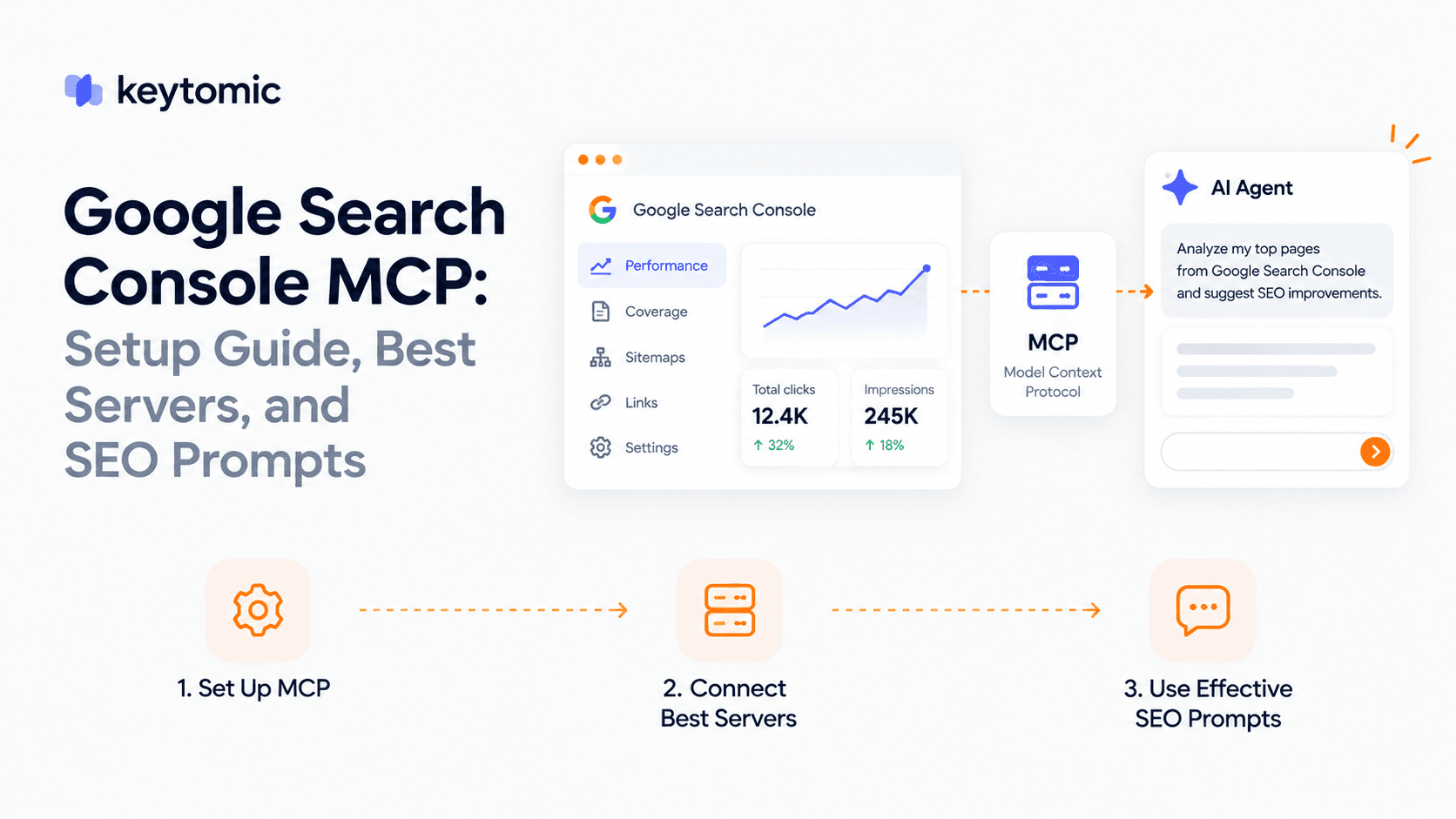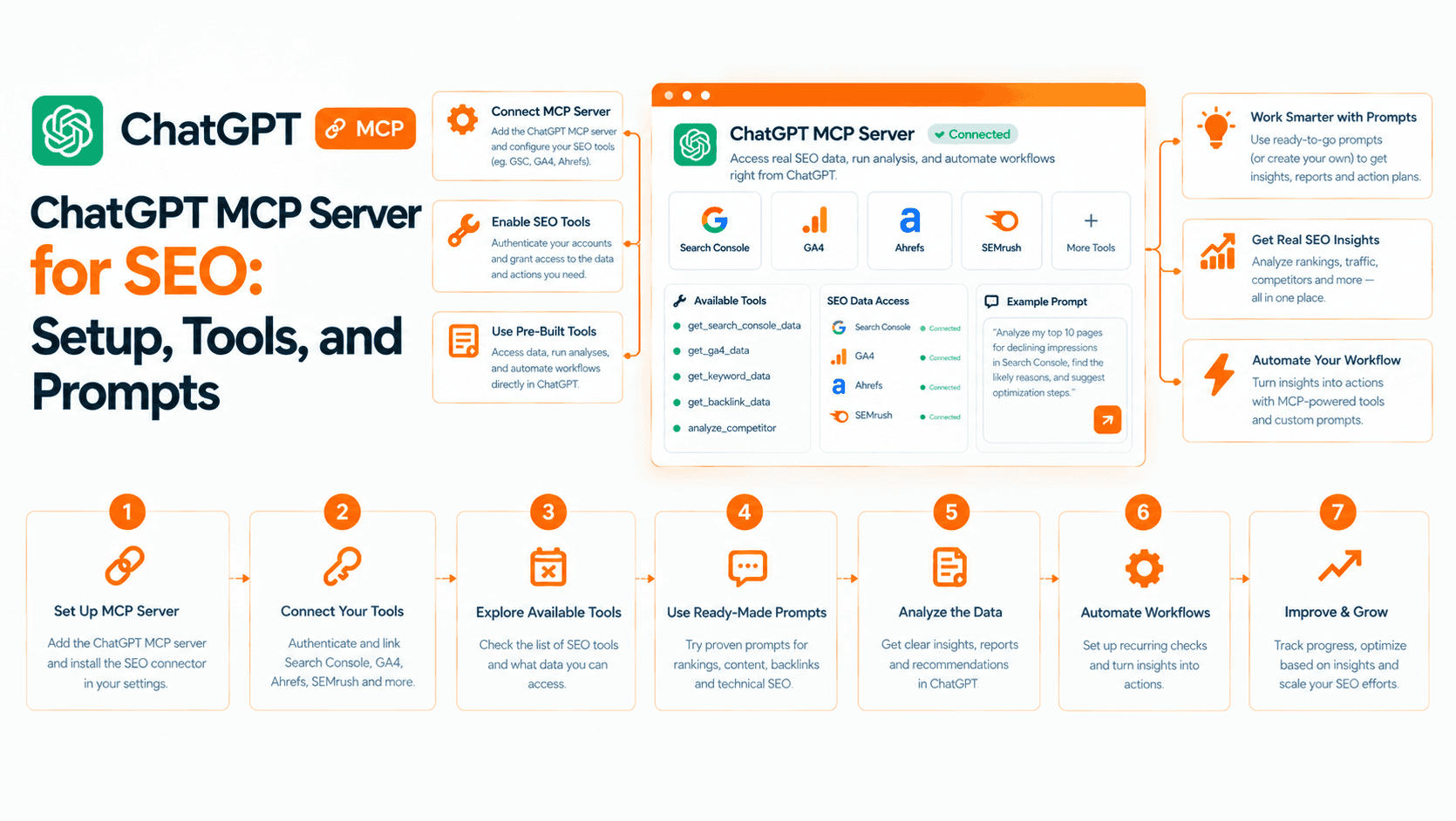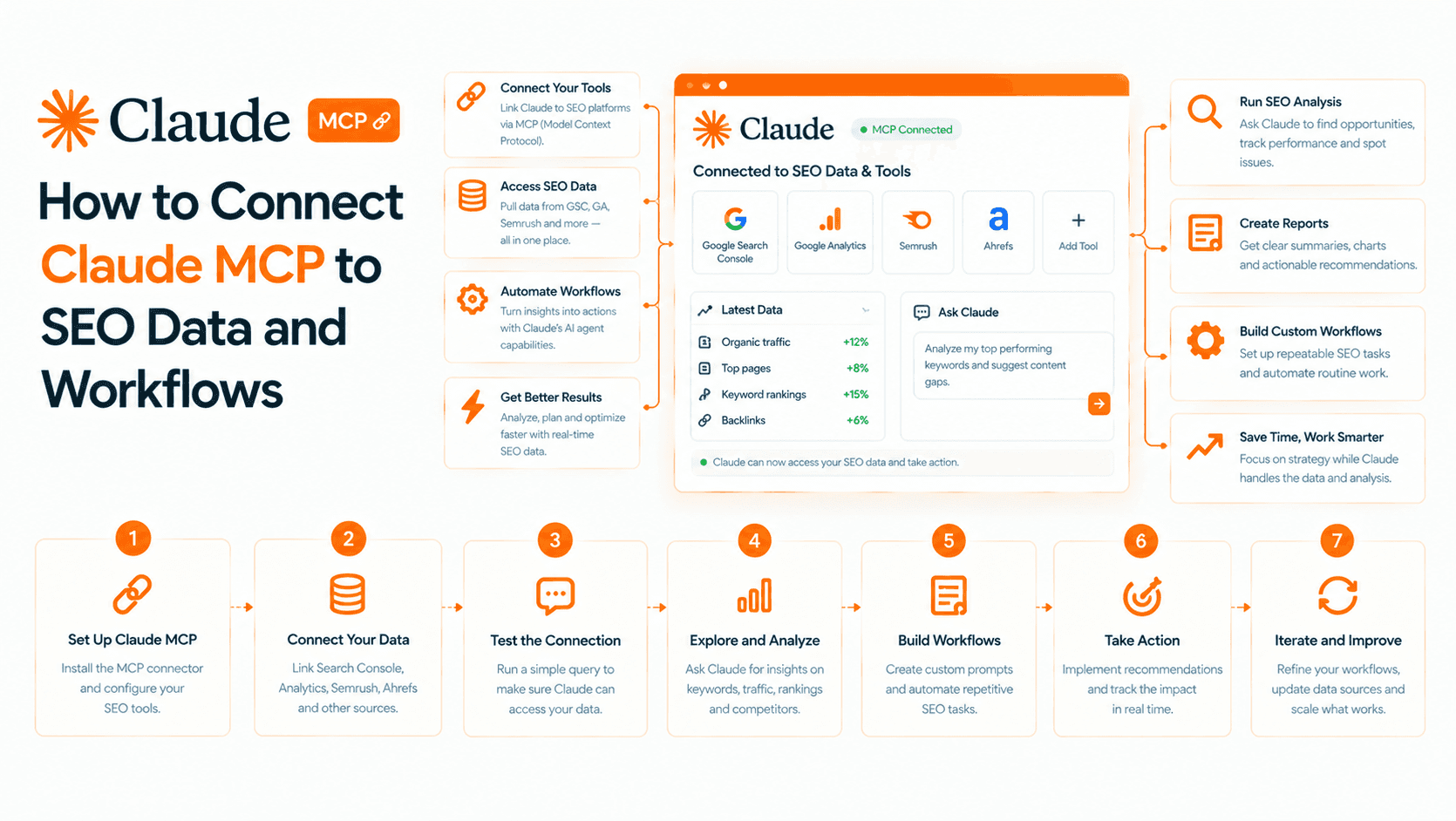
MCP for SEO connects a compatible AI assistant to the search data and actions an SEO service exposes. Instead of copying every report into a chat, you can ask the assistant to retrieve evidence, compare it and help decide what to do next.
The useful question is what your connected server can actually do: read performance, run an audit, prepare a recommendation or change something. Those are different permissions, and a product's web app may support much more than its MCP server.
I work on product and growth at Keytomic, so I have a commercial interest in one of the examples below. This guide was reviewed on October 19, 2026 against protocol documentation, official vendor material and our current release context. It is a workflow guide, not a claim that we tested every competing server or achieved traffic gains with these prompts.
What is MCP in SEO?
Model Context Protocol is an open protocol through which an AI application can connect to external context and tools. For the nontechnical introduction, start with MCP explained for marketers. The official MCP introduction explains the host, client and server architecture.
In an SEO workflow, the host is the application where you talk to the assistant. Its MCP client connects to a server that exposes supported tools. The server might retrieve Search Console performance, fetch an audit or update a brand setting. The assistant chooses among the tools it has been given; the connection does not grant access to every feature in the underlying platform.
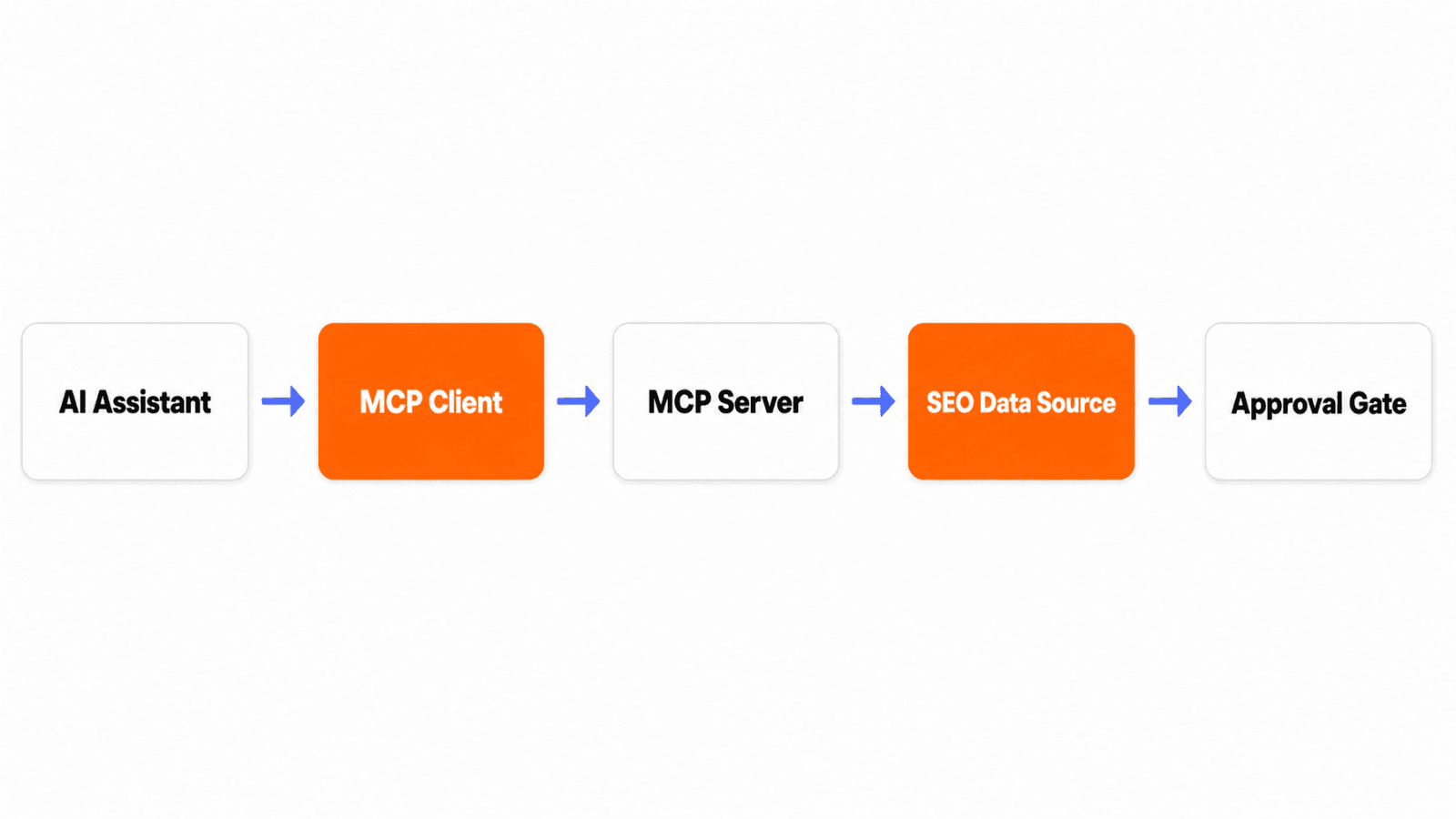
This is a conceptual workflow illustration. Permission checks belong at the tool and account boundaries, and approval should happen before a consequential write, not simply after the data is returned.
Four levels of SEO automation
Level | Example | Evidence to ask for |
|---|---|---|
Retrieve | Get page and query performance | Property, dates, filters, source and completeness |
Diagnose | Explain a decline or prioritize audit issues | Affected URLs, supporting observations and alternative explanations |
Prepare | Draft a brief or proposed edit | Sources, target intent and a reviewable change |
Act | Apply a supported setting or submit an eligible URL | Permission, exact target, confirmation and returned status |
A server may support the first two levels without supporting article generation or publishing. Even where a write tool exists, a successful tool response only establishes what the service reports. A submission acknowledgement is not proof of indexing; an article saved in a CMS is not proof of rankings.
This also separates MCP from an agent product. MCP provides a connection; an agent adds a planning and execution loop around available tools. If you want a product to own more of the workflow, compare AI SEO agents by execution scope and approval controls.
What Keytomic MCP supports today
Keytomic MCP capabilities should be checked alongside the tools exposed to your connected project. As of this review, production releases cover GSC performance insights, SEO audits, project information, brand-profile editing, author settings and indexing-related tools. Read access and write access vary by tool.
The platform also offers keyword research, content calendars, article production, CMS publishing, GA4 analytics and AI visibility workflows. That does not mean every one of those actions is released through MCP.
Capability | Release boundary as of October 19, 2026 |
|---|---|
GSC insights, audits, project information, brand and author settings, indexing-related tools | Production scope; verify the specific connected tools and permissions |
Calendar topics, keyword selection and calendar management through MCP | Ready for production; do not assume deployed to your account |
Expanded MCP GA4, Bing data, integration status and indexing actions | In progress |
MCP article generation, draft editing, image creation and direct CMS publishing | Planned |
MCP AI visibility, backlinks and Reddit Agent access | Planned |
The deeper technical audit report with category breakdowns, Lighthouse and PDF reporting is in review. The separate Content Refresh / Improvement module is in progress. Use the audit capabilities available to your project without treating unreleased report formats or automatic refresh as shipped functionality.
Connect a project before trying prompts
Follow the current documentation to connect Keytomic MCP. Client connection screens and account requirements can change, so use those instructions rather than a copied endpoint or an old screenshot.
Choose the project and account you are authorized to analyze.
Connect the underlying data sources. For the performance example below, first connect Google Search Console to that project.
Complete the supported MCP connection in your compatible assistant.
Ask the assistant to identify the project and list the tools available in this session.
Begin with a read-only task and compare its output with the source interface.
Do not paste account credentials into an ordinary chat message. Use the supported authorization flow. If the assistant cannot identify the property, date range or tool it used, resolve that before relying on its recommendation.
Workflow 1: Find declining pages with Search Console
Start with two comparable periods and a narrow scope. A useful first prompt is:
For this project, compare the last 28 complete days with the preceding 28 complete days using the available GSC tools. Return the pages with the largest absolute click declines. Include both periods' clicks, impressions, CTR and average position, plus the property, dates and filters. Do not edit or publish anything. State any missing data or row limits.
This is an illustrative prompt, not a recorded result. The expected output is a sourced comparison table, not invented performance numbers. Ask for absolute changes alongside percentages: a fall from two clicks to one is a large percentage change with little business impact.
Then narrow the diagnosis:
For the first candidate URL, show the queries contributing most to the decline. Separate observations from hypotheses. Check whether impressions, position or CTR changed, and explain what additional evidence would distinguish demand changes, ranking changes and a less competitive search snippet.
A decline does not automatically mean outdated copy. Seasonality, changed search results, indexing problems and competitor improvements can produce similar symptoms. Use the query evidence to diagnose content decay before proposing a rewrite.
Record the result as a decision: investigate an access problem, update a particular section, test a title, consolidate overlapping pages or leave the page alone. The assistant should identify what evidence would change that decision.
Workflow 2: Turn an audit into a prioritized queue
Use a technical SEO audit to inspect affected pages before asking for fixes. Start with the report available in your account:
Retrieve the available audit for this project and state when it ran. Group the findings by access and indexability, on-page issues and performance where those categories exist. For the highest-priority issues, include affected URLs, evidence, likely impact and a proposed verification step. Do not apply changes.
Ask the assistant to distinguish a detected condition from its impact. A missing description on a low-value utility page is a different priority from an unintended noindex on a commercial landing page. A score can help organize a report, but it is not a ranking forecast.
For a proposed fix, request a before-and-after specification: exact URL, existing value, proposed value, why it helps and how to check the result. Keep redirects, canonicals, robots directives and shared template changes behind explicit review. One incorrect template edit can affect far more URLs than the original finding.
Workflow 3: Prepare a content opportunity brief
A connected assistant can combine the data it can retrieve with your instructions to draft a brief in the conversation. That is distinct from an MCP tool creating a calendar item or generating an article inside the platform.
Ask it to identify the page's actual intent, questions the page does not answer and the original evidence your team can contribute. Supply competitor URLs or source documents when the connected tools cannot fetch them. Do not ask the assistant to invent a competitor analysis from a keyword alone.
Using the retrieved query data and these approved source documents, propose a brief for the existing page. Include its primary reader task, sections to retain, specific gaps, sources needed and relevant internal destinations. Flag any claim that needs product or subject-matter confirmation. Return a proposal only.
Check whether an existing page already serves the same intent before adding a new article. The cheapest automation mistake is still a mistake when repeated across a content calendar.
Workflow 4: Check a supported setting or indexing action
Production MCP scope includes brand and author settings and indexing-related tools, but each action still depends on the available tool and account permissions. Ask the assistant to show the current value and proposed change before authorizing a write.
For indexing, confirm the exact property, URL and supported submission mechanism. Some tools retrieve information; others submit a URL or sitemap. Expanded Bing and analytics work remains in progress, so do not assume an action exists merely because it appears in a platform feature list.
After a supported action, keep its returned status and timestamp. Verify the changed setting in the platform or inspect the URL through the relevant search engine tools. Discovery, crawling, indexing and ranking are separate stages.
How to evaluate another SEO MCP server
Choose a server for the evidence you need and the permissions you can responsibly grant. Ahrefs' official SEO MCP page, for example, describes access to its SEO data through compatible assistants. That is a different starting point from a server centered on first-party Search Console data or CMS writes.
Before adopting a server, check:
Data scope: first-party performance, third-party keyword estimates, crawl observations or a mixture.
Freshness: when the underlying data was collected and whether cached results are disclosed.
Access: project boundaries, tool permissions, authorization and revocation.
Execution: which actions are supported today and which are only discussed in a roadmap.
Verification: logs, affected URLs, returned statuses and a way to inspect results independently.
Cost: subscription, API consumption, client usage and any separate AI charges.
Run the same small task against the source interface. If the comparison differs, investigate filters, time zones, row limits and data availability before judging the prose quality of the assistant's explanation.
Common problems and practical fixes
The connection works, but the assistant cannot see the site. Confirm the account, project and upstream integration. A server connection does not automatically authorize every property.
The answer contains numbers without a source. Ask for the tool, property, dates and raw fields. If those cannot be supplied, treat the numbers as unverified.
The assistant offers to publish, but no publishing tool is available. It can prepare copy in chat; it cannot complete an unsupported CMS action. Use the platform's approved publishing workflow instead.
A submission succeeded, but the URL is not indexed. Check crawlability, canonical selection, content quality and search engine inspection results. Repeated submissions are not a substitute for resolving the underlying issue.
Frequently asked questions
Does MCP itself improve rankings?
No. MCP connects an assistant to supported tools and context. Rankings depend on the site's content, technical condition, relevance, competition and other search factors. A connection is not a ranking signal or a traffic guarantee.
Can Keytomic publish articles through MCP today?
Direct CMS publishing through Keytomic MCP is planned as of October 19, 2026. The platform's CMS publishing workflow is separate from the actions currently released through MCP.
Can I use MCP for keyword research?
Yes, if the connected server exposes the required research tools or data. Keytomic provides keyword research in the platform; its MCP content-planning work, including keyword selection, is ready for production at this review date. Verify deployment and available tools before assuming access.
What should I automate first?
Start with a read-only comparison you can verify, such as page-level Search Console performance over two comparable periods. Add writes only after the data, permissions and review process work reliably.