"Pick an SEO automation tool" is advice tossed around by every Tom, Dick and Harry who has never run a content calendar, and who doesn't even know what an SEO automation tool actually does.
AI has convinced all the founders and marketers that automation means pressing a button and getting 500 ranking articles by Friday. Then the tool publishes pages Google never indexes, the traffic stays flat, and the subscription keeps renewing.
But how do you actually choose one that does the real work: finds the keywords, plans the topics, gets pages indexed and shows whether AI search is citing you?
I've spent 7+ years in organic growth, working with 50+ SaaS, tech and service brands, and I've seen what survives past month one and what gets cancelled. Below are 9 tools compared, plus the criteria, weighted scorecard and cancel test I use to pick between them.
Quick answer: the best SEO automation tool by job
If your biggest bottleneck is | Pick | Why |
|---|---|---|
Keyword research to published, indexed content | Keytomic | One workflow from keyword to calendar to live page to AI visibility tracking |
Competitive and backlink research | Ahrefs or Semrush | Largest keyword and link indexes, but they do not publish for you |
Scoring drafts against the SERP | Surfer | Real-time content score for writers |
Applying technical fixes without developers | Search Atlas (OTTO SEO) | Pushes changes to live pages through a pixel, with an approval mode |
Refreshing hundreds of pages | AirOps | Connects AI visibility gaps to bulk refresh workflows |
Reporting on a budget | SE Ranking | Scheduled white-label reports at a lower price |
Deep technical crawling | Screaming Frog | Most granular crawler, about $279 a year |
Custom workflows you build yourself | n8n | Visual builder with a free self-hosted edition |
What are SEO automation tools?
SEO automation tools run recurring SEO work on a schedule or a trigger, so a person reviews the output instead of producing it by hand. Good SEO automation software covers some or all of this chain:
Keyword research and clustering: finding demand, labeling intent and grouping terms, as in AI keyword research.
Topical planning: turning clusters into a roadmap with a topical map generator.
Briefs and drafts: structure, entities and on-brand copy from an AI blog writer, backed by semantic SEO automation.
On-page work: titles, meta descriptions, schema, images with alt text and internal links.
Publishing: drafts or scheduled posts pushed to your CMS with autoblog publishing.
Indexing and discovery: sitemaps, search engine submissions and status checks through multi-search engine indexing.
Audits: crawlability, indexability and metadata checks, such as a technical SEO audit and a backlink profile audit.
Tracking: rankings, Search Console data and citations in ChatGPT, Perplexity and Google AI answers through an AI visibility tracker.
Teams adopt them for one reason: output you can forecast. If you want the adoption numbers, I pulled them together in SEO automation statistics.
SEO automation tools vs traditional SEO tools vs programmatic SEO
The three get mixed up in almost every buyer conversation I have. The cleanest split is the question each one answers.
SEO automation tools | Traditional SEO tools | Programmatic SEO tools | |
|---|---|---|---|
Main question | Which recurring tasks can run without a person? | What does the data say, and what should I do? | How do I publish many pages from one template and a dataset? |
Typical output | Calendars, drafts, fixes, scheduled posts, alerts, reports | Keyword, backlink and ranking data | Hundreds or thousands of templated pages |
How it runs | On a schedule or trigger | When you open it | In batches per campaign |
Examples | Keytomic, Search Atlas OTTO, AirOps, n8n workflows | Ahrefs, Semrush, Screaming Frog | Template and dataset publishers |
Some products sit in two columns. Semrush is a data tool that also monitors on a schedule. Keytomic plans and publishes pages, and its audits and AI visibility tracking run on a schedule.
The three types of SEO automation tools
Type | What it does | Where it hurts | Examples |
|---|---|---|---|
Watchers | Crawl, track and alert you, then leave the fix to you | You still do every fix by hand | Semrush, Ahrefs, SE Ranking, Screaming Frog |
Builders | Connect apps and AI models into workflows you design | You build, test and maintain every workflow | n8n, Zapier, Gumloop |
Autopilots | Plan, write, publish or fix, usually with an approval step | A bad setup scales mistakes as fast as it scales output | Keytomic, Search Atlas OTTO, AirOps |
The automation ladder I use to judge any tool
Vendors say "automated" for four very different things. Ask which rung the feature sits on before you compare prices.
Level | What the tool does | Who approves | What to demand |
|---|---|---|---|
1. Monitor | Detects an issue and alerts you | Nobody, it changes nothing | Fast alerts, low noise |
2. Recommend | Detects the issue and suggests the fix | You, on every change | Clear reasoning and affected URLs |
3. Execute with approval | Drafts or applies the fix after a human signs off | A named reviewer | Draft-first mode, change log, undo |
4. Execute unattended | Ships changes on its own | Nobody | Narrow scope, rollback and alerts. I only allow this for low-risk tasks like sitemap updates |
Publishing and on-page changes belong on level 3. Most expensive mistakes I have seen came from a tool configured at level 4 on day one.
How to choose SEO automation tools
Most buyers compare how good the writing sounds. That is the wrong lens. Judge these tools like a production system: inputs, controls, outputs and failure modes. These are the nine criteria I score every vendor on, with the question that exposes weak ones in a demo.
Criterion | Ask in the demo | Good looks like | Red flag |
|---|---|---|---|
Automation depth | "Which rung of the ladder is this feature on?" | Clear split between suggest, draft and apply | Everything called "automated" |
Keyword research that ships | "Give me 30 keywords from one seed as a 30-day calendar." | Intent labels, clusters, titles, target pages and internal links | A keyword list and nothing else |
Human control | "Show me approvals, the change log and undo." | Draft-first by default, publish-now is an explicit action | Direct publish by default |
Publishing and CMS fit | "What is native and what runs through Zapier?" | Native WordPress, Shopify, Webflow, Framer or API publishing with templates, slugs and canonicals | CSV exports and copy-paste |
Indexing and discovery | "Which engines do you submit to, and how do you verify it?" | Sitemap updates, submissions where allowed, status tracking, alerts | "Instant Google indexing for every page" |
AI search coverage | "Show citations for five prompts I choose." | Prompt tracking across ChatGPT, Perplexity and Google AI answers, with cited sources and competitors | AI visibility sold as a separate product |
Integrations and data | "Do you read Search Console, GA4 and Bing Webmaster Tools?" | Native connections plus webhooks or an API | Manual data uploads |
Governance and quality | "How do you stop duplicate topics and thin pages?" | Cannibalization checks, brand voice rules, cited facts, canonical and schema checks | "Just generate more" |
Real cost | "What is the price after credits, seats, sites and add-ons?" | One price you can forecast | Usage meters that climb with volume |
If a vendor cannot produce the calendar in row two live, it sells data, not automation.
The indexing reality check
This is the claim I see misrepresented most. Google's Indexing API is scoped to job posting and livestream pages, so it cannot force indexing of ordinary blog or product pages. Bing, on the other hand, runs a URL submission API with high daily limits.
So honest indexing automation means four things:
Clean publishing: correct status codes, canonicals and indexability rules.
Discovery paths: sitemap updates and internal links from pages that already get crawled.
Submissions to the engines that accept them, plus Google Search Console and Bing Webmaster Tools data.
Status tracking, so you see which URLs were discovered and which are stuck.
That is how multi-search engine indexing should be judged, ours included. Ask any vendor to show the mechanism and the status report, not the slogan.
The cancel test
Before you sign, ask one question: if I cancel today, which of my pages change? Content published to your CMS stays live. Fixes deployed through a script or pixel can stop applying when the subscription ends, and some vendors charge extra to freeze them. Neither model is wrong. You just need to know which one you are buying.
The AI visibility test
Pick five prompts a buyer would ask before choosing a product like yours. Ask the vendor to show who gets cited for each one, which sources the answers pull from, and whether your brand appears. If the tool cannot do that on a live example, its AI search tracking is a dashboard, not a workflow. You can try this yourself with the free AI visibility audit.
Weighted vendor scorecard
Score each criterion from 0 to 3 (0 missing, 1 weak, 2 good, 3 best in class), multiply by the weight, and add it up. Copy this into a spreadsheet and fill it in during the pilot, not during the demo.
Category | Weight | Vendor A (0 to 3) | Vendor B (0 to 3) | Notes |
|---|---|---|---|---|
Keyword plan quality | 12% | |||
Intent mapping and briefs | 10% | |||
Draft quality and brand controls | 10% | |||
Approvals and rollback | 12% | |||
Publishing reliability | 10% | |||
Indexing honesty and verification | 10% | |||
AI search visibility | 12% | |||
Integrations and data | 8% | |||
Governance and QA | 8% | |||
Reporting and cost clarity | 8% |
If you cannot decide a weight, you do not yet know what you are buying.
The 9 best SEO automation tools compared
I picked one or two strong tools per job so you can see where each sits on the ladder. Prices are list prices from October 2026 and vendors change plans often, so confirm on the pricing page before you buy.
Tool | Best for | Type | Key automation | Starting price | AI search tracking |
|---|---|---|---|---|---|
Keytomic | Keyword research to published, indexed pages | Autopilot with approvals | 30-day calendar, auto-publishing, multi-search indexing, audits | $99/month, 3-day free trial | Built in |
Semrush | Research, monitoring, reporting | Watcher | Scheduled audits, daily position tracking, reports | From $139/month | AI Visibility Toolkit |
Ahrefs | Backlinks and competitor research | Watcher | Alerts, scheduled audits | From $129/month | Brand Radar, from $199/month |
Surfer | Content scoring | Watcher | Real-time content score, 1-click optimization | From $99/month | Full coverage on the $182 plan |
Search Atlas (OTTO SEO) | Technical and on-page fixes | Autopilot | Pixel-based fixes with approval mode | From $99/month, plus $49 to $99 per site | LLM tracking |
AirOps | Bulk refreshes and AI visibility to action | Autopilot | Visibility gaps feed refresh workflows | Free Solo plan, Pro on request | Built in |
SE Ranking | Scheduled client reports on a budget | Watcher | White-label reports, daily rank tracking | About $65 to $129/month | Add-on, about $89/month |
Screaming Frog | Deep technical crawls | Watcher | Scheduled crawls from the command line | Free to 500 URLs, then about $279/year | None |
n8n | Custom workflows | Builder | Visual workflows with SEO templates | Free self-hosted, cloud from $20/month | Build your own |
1. Keytomic: best for going from keyword research to published, indexed pages
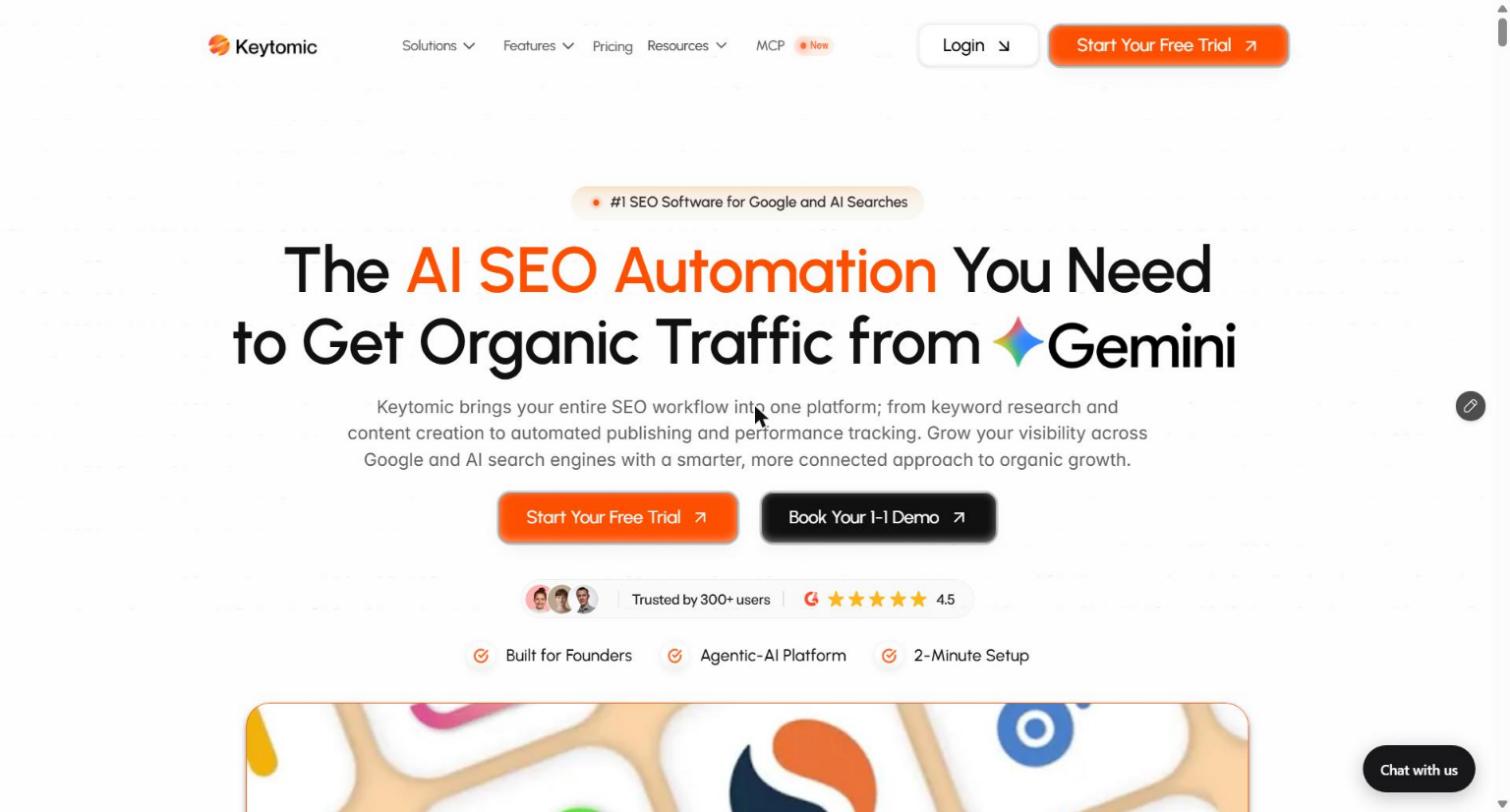
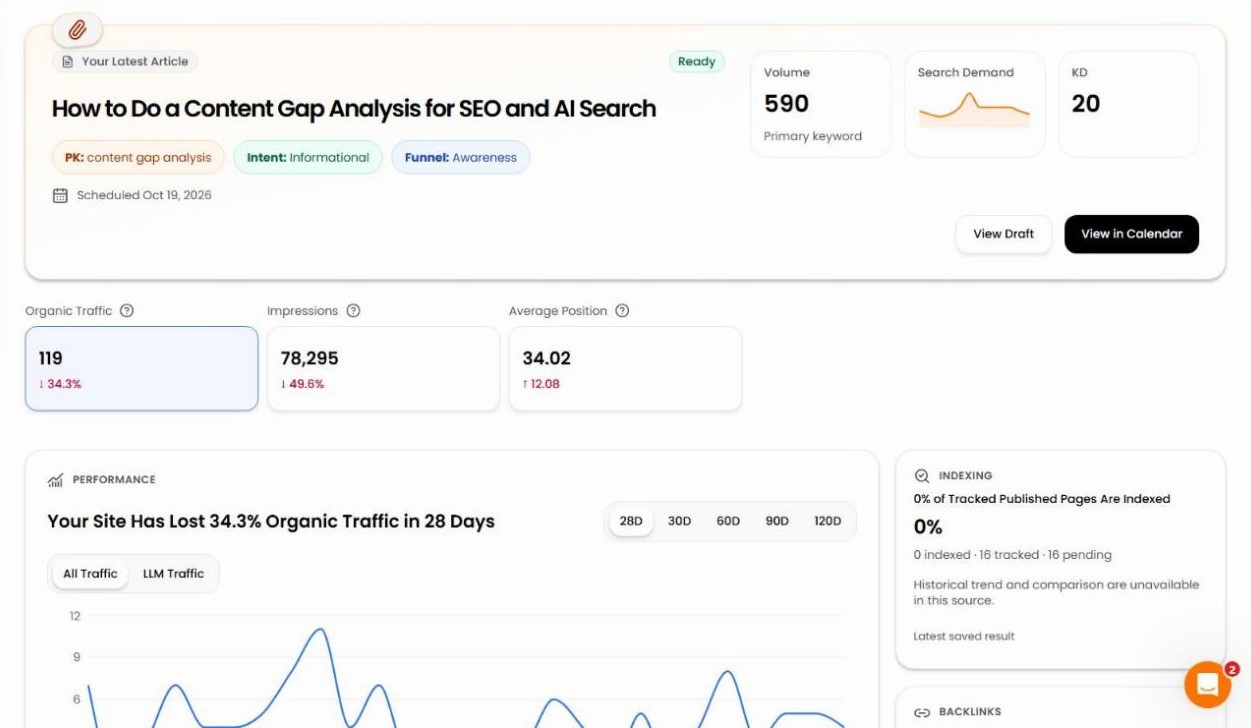
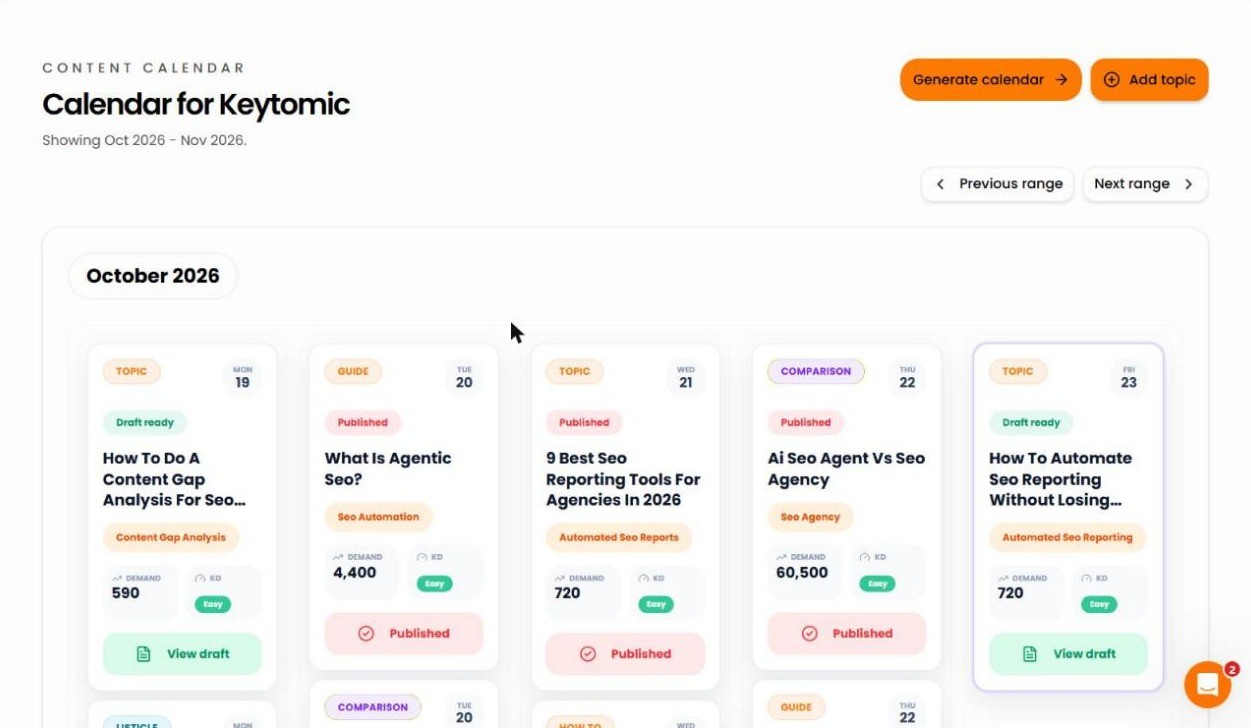
Keytomic is the AI SEO software we build, so weigh my take accordingly. It scans your site, builds a brand profile, finds high-intent keywords with AI keyword research, groups them into clusters, and lays out a 30-day content calendar you approve. From there it drafts each article, generates on-brand images with alt text through the AI image studio, publishes to your CMS, and pushes the new URL to search engines. The same account tracks your citations in AI answers.
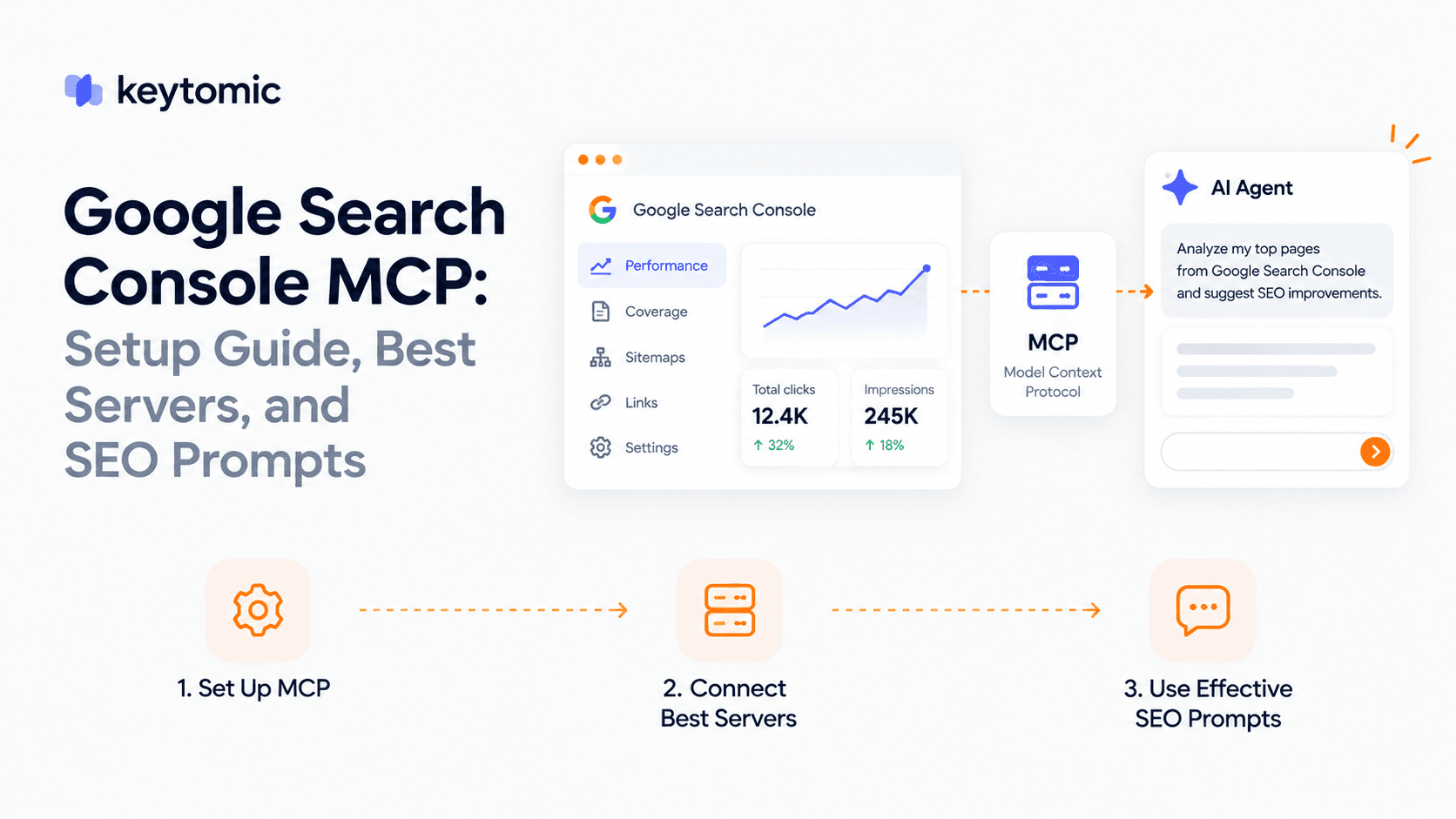
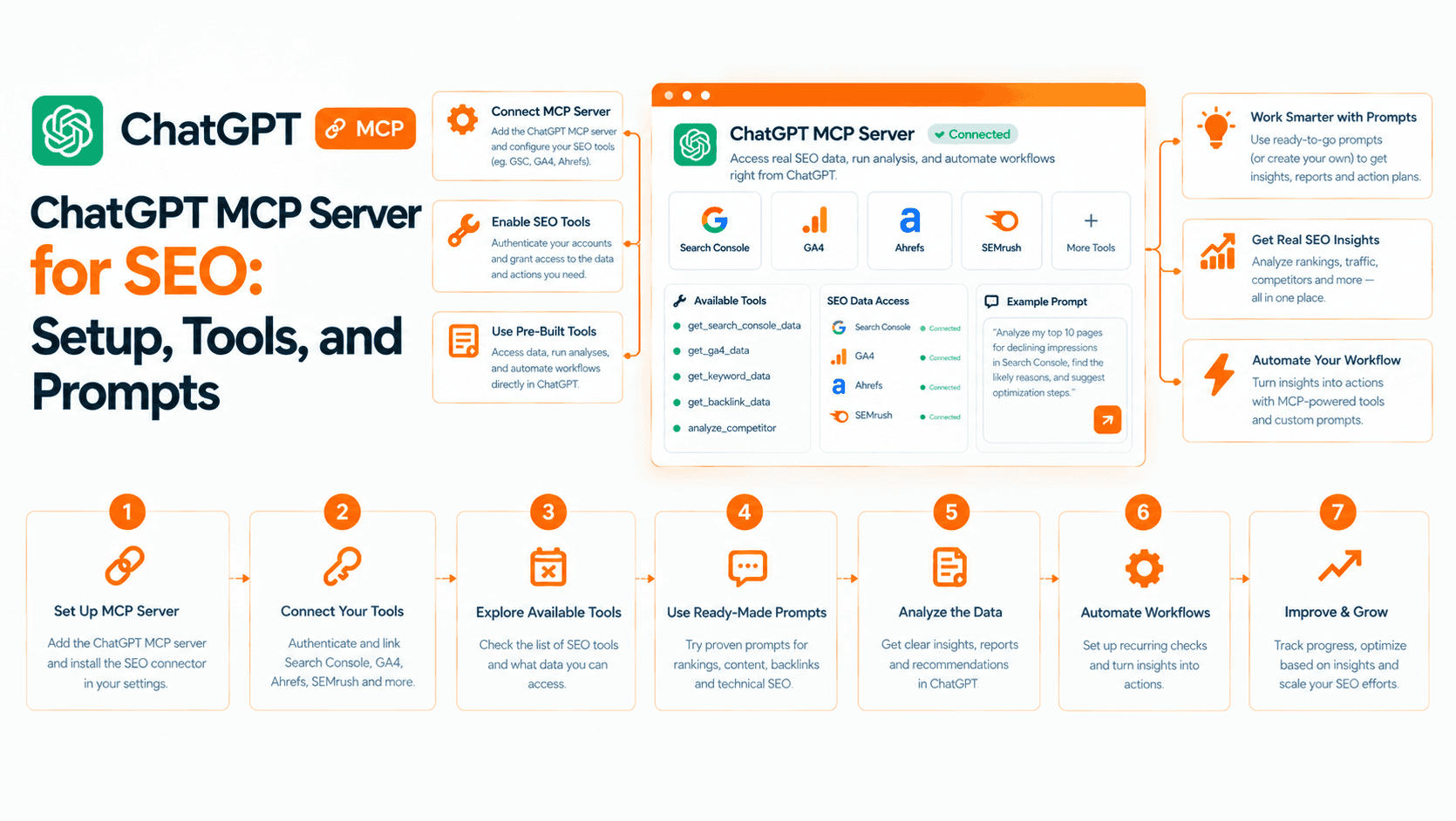
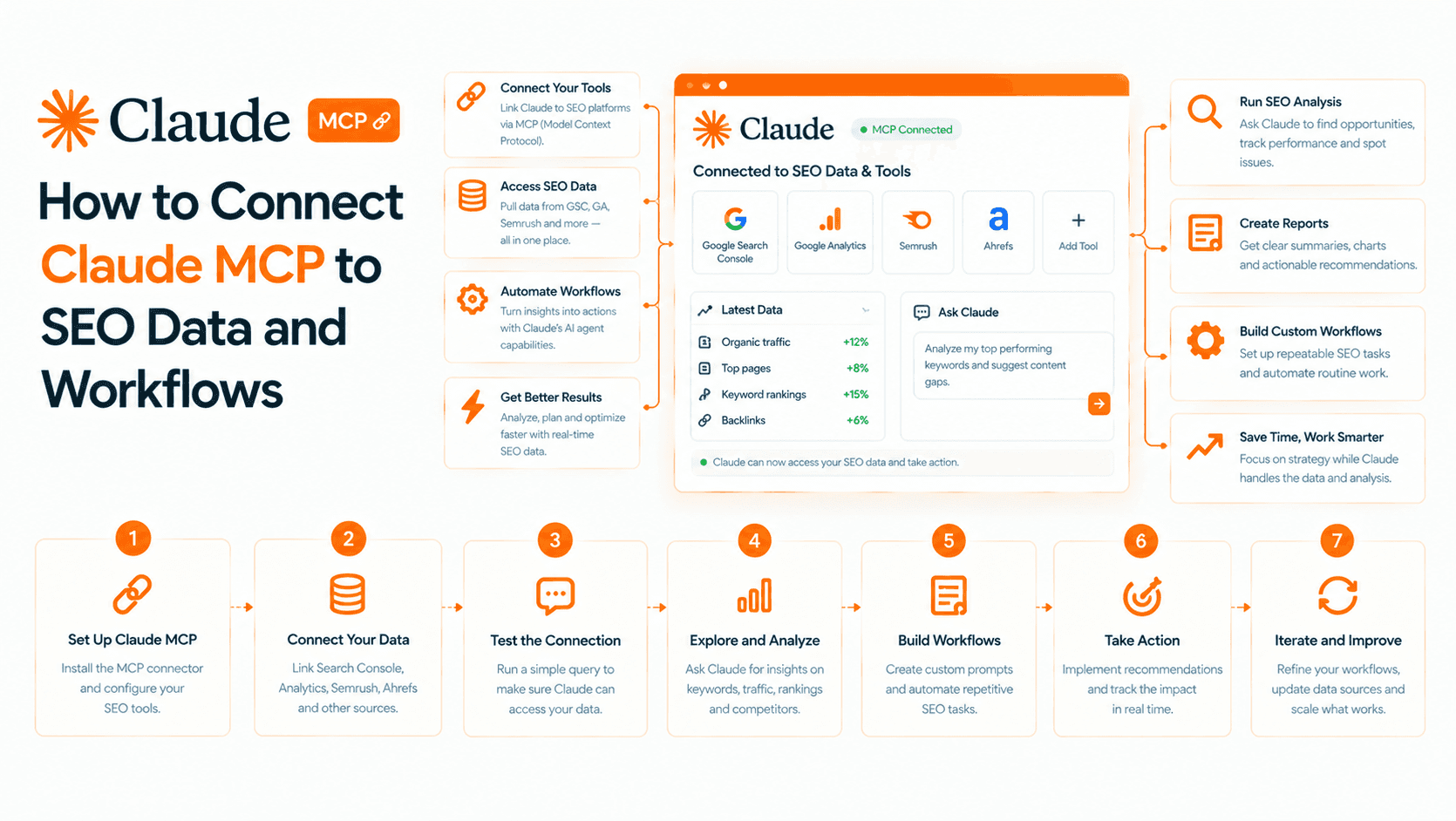
Beyond the content loop, Keytomic runs a technical SEO audit, a backlink profile audit and a Reddit AI agent for finding threads worth joining. The free Keytomic MCP lets Claude, ChatGPT or Cursor run a Quick Audit of up to 25 pages covering crawlability, indexability and metadata, which is a fast way to see how it reports problems before you sign up.
Pros
One workflow instead of five tabs. Keyword research, calendar, brief, draft, image, publish and tracking live in one account, so nothing gets lost between a spreadsheet and a CMS.
Draft-first control. You edit the calendar, the drafts and the schedule, add custom instructions, and review a content scorecard before anything goes live.
Native publishing where most sites live. WordPress, Shopify, Webflow and Framer are covered, along with Contentful, Next.js, webhooks and a custom API.
Indexing treated as a system. Multi-search engine indexing submits new pages to several engines and works with your Search Console and Google Analytics data.
AI visibility sits next to rankings. The AI visibility tracker is part of the product, so you do not buy a second subscription to see ChatGPT and Perplexity citations.
Cons
It is not a keyword database or a backlink index. The keyword research feeds your calendar. If you want to browse raw volume history or inspect any competitor's link profile, keep an Ahrefs or Semrush seat alongside it.
Self-serve means you review. On the Pro plan you approve the calendar and drafts yourself. Teams that want someone else to run the process need the Agency/DFY plan.
The trial is 3 days. Connect your site and Search Console on day one and generate the calendar immediately, or you will burn the trial on setup.
Not a deep crawler. The audits catch the common blockers. For a 100,000-URL migration crawl, use a desktop crawler like Screaming Frog.
Pricing: Pro is $99 a month and includes the brand profile, SEO calendars, article briefs, content generation, integrations, publishing and progress tracking. The Agency/DFY plan is $999 a month and has the Keytomic team handle strategy, content planning, publishing support and ongoing optimization. See the pricing page for current limits.
Best for: founders, small businesses, marketing teams, SEO teams and agencies that want a repeatable pipeline from keyword to indexed page without hiring two more people.
2. Semrush: best for research, monitoring and scheduled reporting
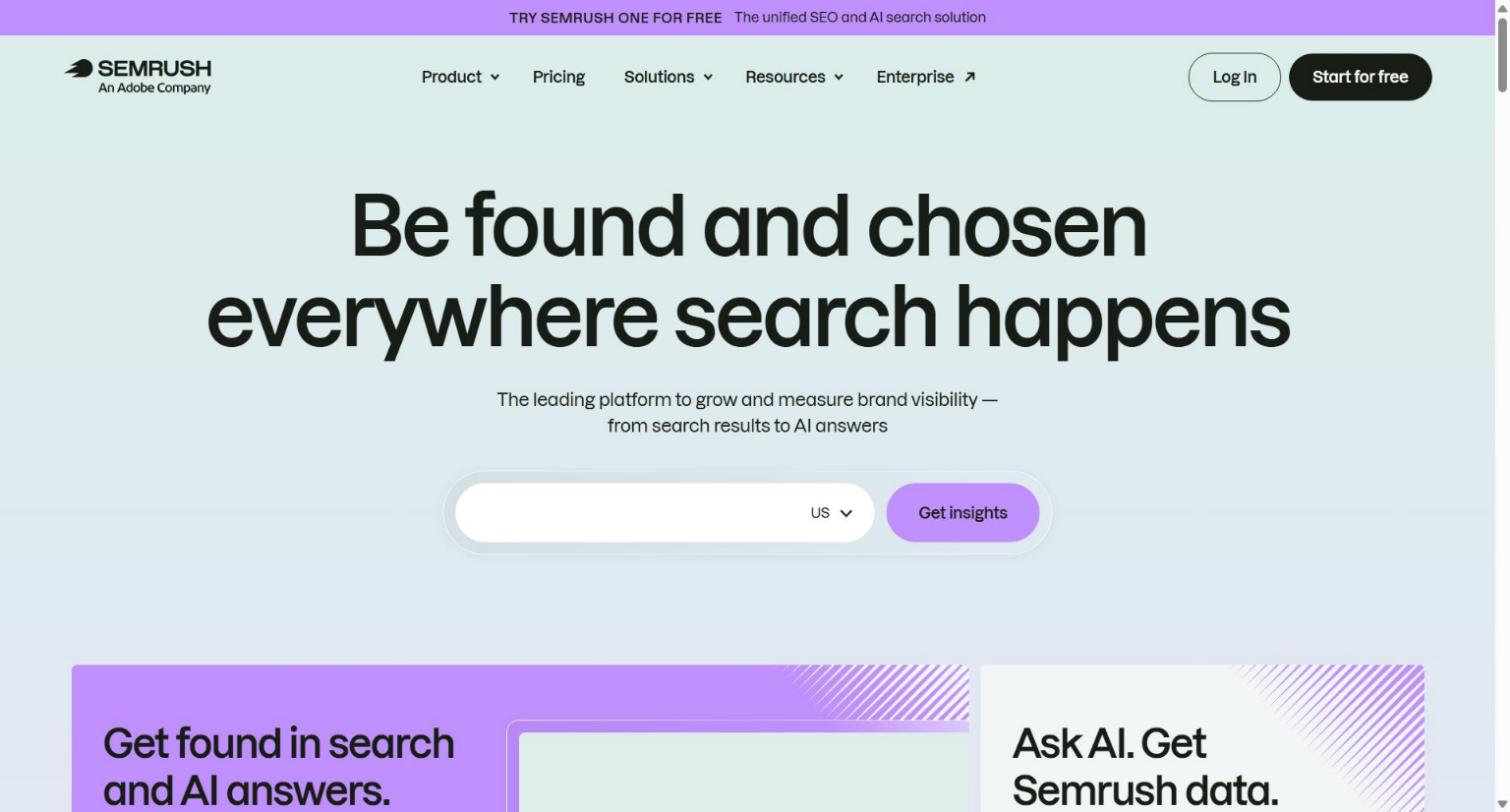
Semrush is the broadest platform in the category. Keyword Magic covers more than 26 billion keywords with clustering and intent labels, Site Audit runs 140+ technical checks on a schedule, Position Tracking records daily movement, and the AI Visibility Toolkit covers ChatGPT, Gemini, Perplexity and Google AI Overviews. For agencies, the scheduled white-label reports alone save hours every month.
Pros
Largest keyword and traffic database of the tools here, which makes it the safest source of demand data.
Scheduled audits, rank tracking and reports remove the weekly spreadsheet scramble.
API access, an MCP server and a Looker Studio connector push the data into your own dashboards.
Cons
It tells you what to fix and never fixes or publishes anything. Every action happens outside the platform.
Costs climb fast. Extra users start at $45 a month, and content, local and reporting add-ons push the real bill well past the base plan.
The breadth has a learning curve. Most teams I talk to use a fraction of it.
Pricing: Pro is $139 a month, Guru $249 and Business $499, with about 17% off on annual billing. Enterprise is custom.
Best for: mid-market and enterprise SEO teams and agencies that want one research and tracking hub and already have a way to execute.
3. Ahrefs: best for backlink analysis and competitor research
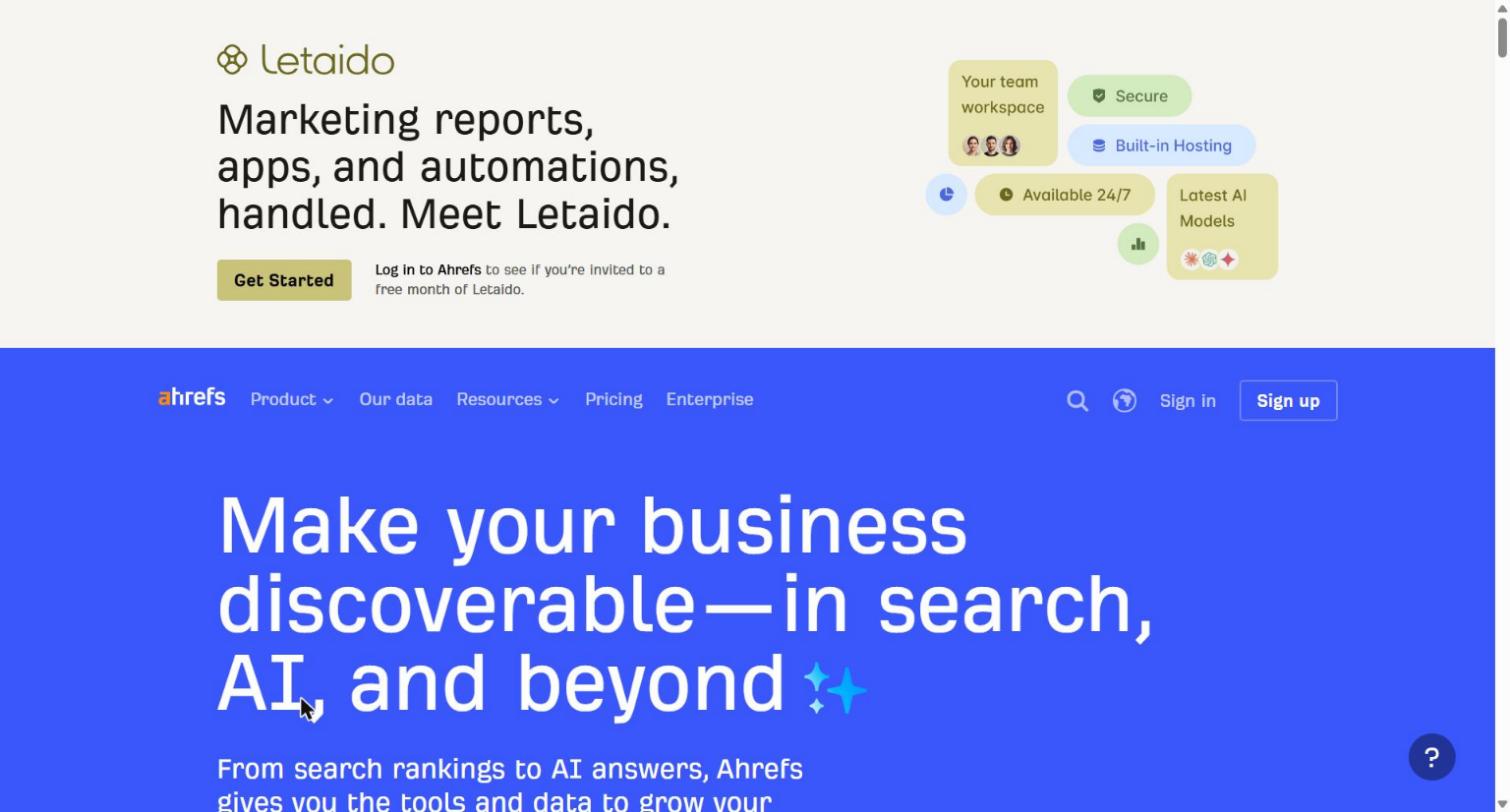
Ahrefs is the reference for link data. Site Explorer breaks down any domain's organic traffic, backlinks and top pages, Keywords Explorer covers 10 search engines, Content Explorer finds what performs by topic, and Brand Radar tracks mentions across AI answers. Its automation comes from alerts and scheduled reports, so you hear about lost backlinks and keyword moves without opening a dashboard.
Pros
The strongest backlink index and the cleanest competitor gap analysis here.
Alerts on new and lost links make link recovery a routine task.
Content gap reports show keywords competitors rank for that you do not.
Cons
No writing, publishing or workflow automation. It is a research tool through and through.
No free trial. The $29 Starter plan and a limited free tier help, but you commit before you see the full platform.
AI visibility is priced separately. Brand Radar starts at $199 a month standalone, and custom prompt packs add $50 to $250 a month.
Pricing: Starter is $29 a month, then Lite $129, Standard $249 and Advanced $449. Enterprise starts at $1,499.
Best for: SEO professionals and agencies whose bottleneck is finding opportunities and link targets, not shipping content.
4. Surfer: best for scoring drafts against the SERP
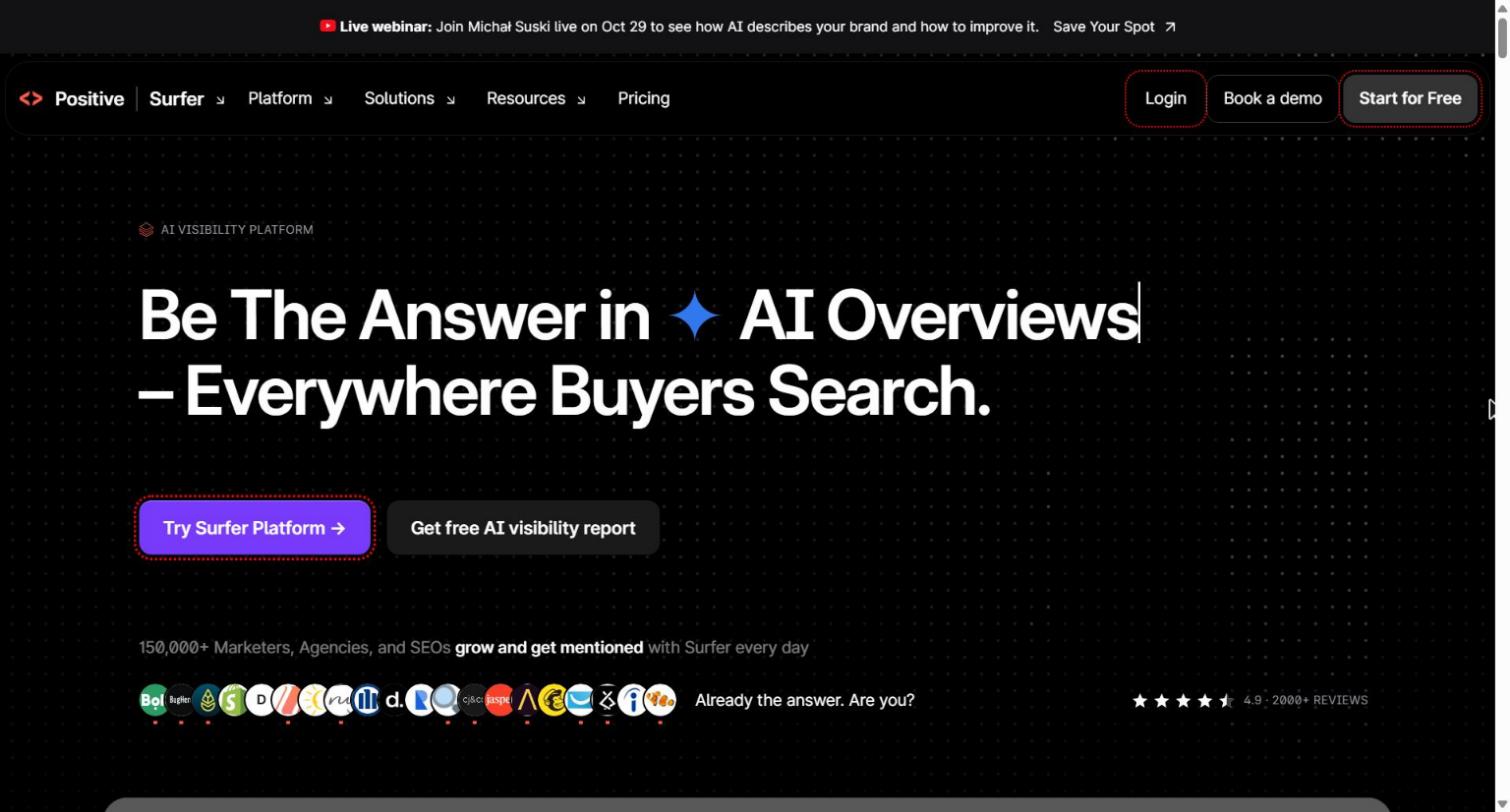
Surfer analyzes the pages that already rank and gives writers a live Content Score while they edit. It also offers a topical map for cluster planning, 1-click optimization for existing pages, and an AI visibility tracker. Writers pick it up without SEO training, which is why content teams stay loyal to it.
Pros
The most usable on-page guidance for non-SEO writers, with a score that moves as they edit.
Consistent direction across a team of freelancers.
Integrates with Google Docs and WordPress for editing.
Cons
Narrow scope. You still need other tools for keyword depth, backlinks, technical audits and publishing.
No automated CMS publishing, so finished content is moved by hand.
Multi-platform AI visibility needs the Pro plan. The $99 Standard plan tracks ChatGPT only.
Pricing: Discovery is $49 a month, Standard $99, Pro $182 and the $299 plan above that, with roughly 17% off on annual billing.
Best for: content teams that publish at volume and want a shared quality bar for every draft.
5. Search Atlas (OTTO SEO): best for applying technical fixes without developers
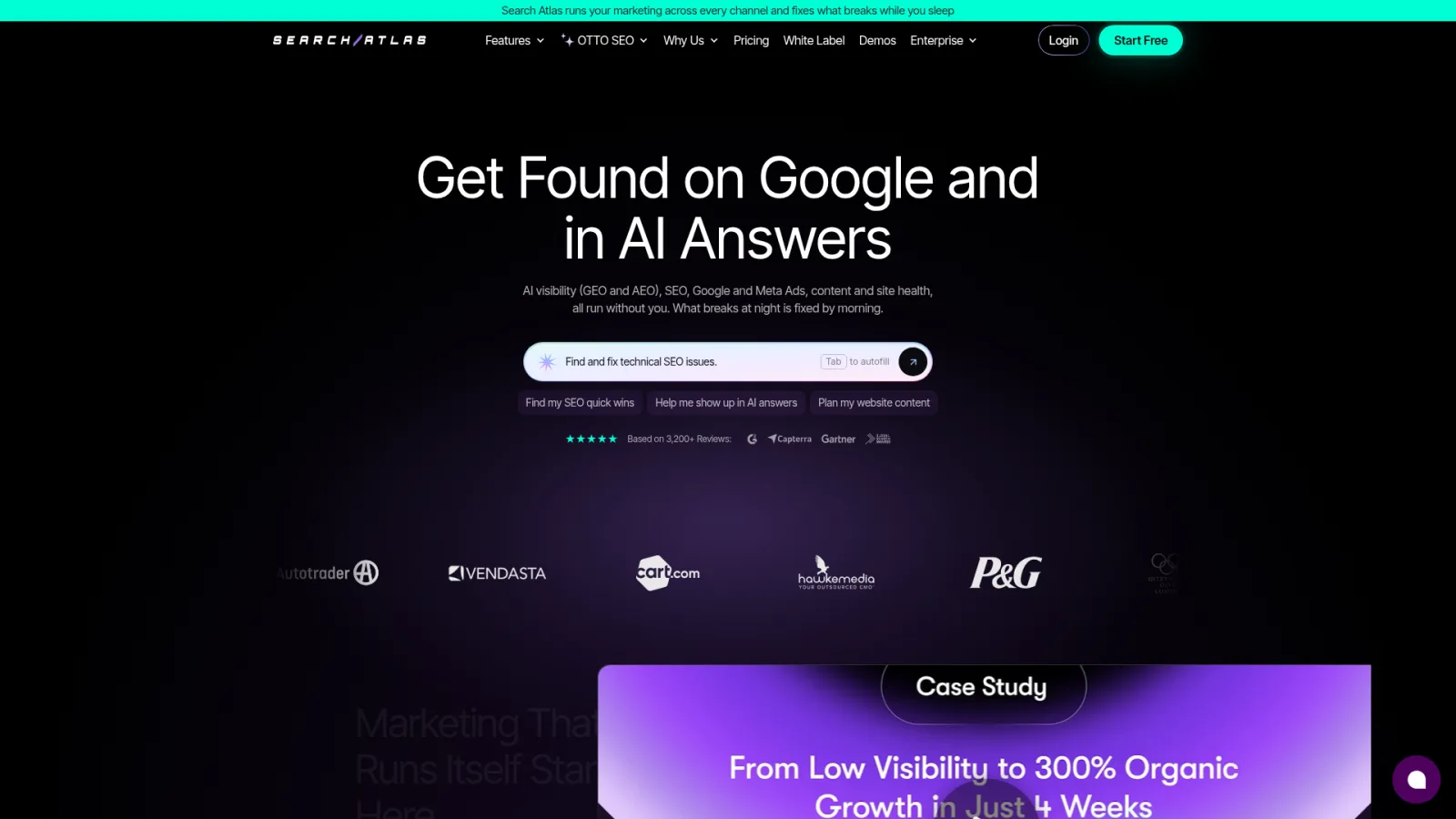
Search Atlas is a wide suite, and OTTO SEO is the agent that makes it an autopilot. OTTO reads your Google Analytics, Search Console and Business Profile data, then applies titles, schema, canonicals, redirects and internal links straight to live pages. Deployment runs through Cloudflare, a CMS connection or a one-time pixel, and an approval mode lets you review changes before they ship. The suite also adds content generation, LLM visibility tracking across six AI platforms and digital PR.
Pros
Removes the developer queue for routine technical and on-page fixes, which is where small teams lose the most time.
Approval mode keeps a person in the loop. Turn it on for the first month.
Technical, content, local and AI visibility work sit under one subscription.
Cons
The cancel test matters here. Pixel-based fixes can stop applying when you leave, and users report paying extra to freeze them.
Pricing has layers: platform plan, per-site OTTO fees and credits, which makes budgeting harder than the headline suggests.
Some users report that changes still need manual verification, which eats part of the time savings.
Its keyword and backlink databases are smaller than Semrush and Ahrefs.
Pricing: Platform plans run from $99 a month to $999 for the Agency tier, with about 20% off annually. OTTO adds $49 to $99 per site per month. A 7-day trial is available.
Best for: agencies and mid-market sites where the bottleneck is getting technical changes live fast.
6. AirOps: best for refreshing hundreds of pages from AI visibility gaps

AirOps connects AI visibility data to content workflows. Its Insights module tracks your brand across ChatGPT, Google AI Mode, Perplexity, AI Overviews and Gemini, then produces weekly opportunity reports that sort findings into pages to create, pages to refresh, third-party sites to pursue and community threads that influence answers. Its content agent, Quill, drafts refreshes using Brand Kit voice rules and queues them for human review before anything publishes.
Pros
The tightest loop between "we are missing from this AI answer" and "here is the refreshed page".
Bulk refresh across hundreds of URLs with review checkpoints.
Publishes to WordPress, Webflow and Contentful, and integrates with Semrush and Ahrefs data.
A free Solo plan lets you test the tracking before you commit.
Cons
It assumes you already have working SEO processes and a library of pages to maintain. Early-stage sites get little from it.
No standalone keyword research or backlink analysis. You still pay for a research tool.
No technical crawling or infrastructure auditing.
Pro pricing is scoped per team rather than published, so you cannot forecast cost from the website.
Pricing: the free Solo plan includes 20,000 tasks a month and 100 tracked prompts and pages. Pro is priced to your program, and Enterprise is custom.
Best for: content teams managing 100 or more pages that need to act on AI visibility findings at scale.
7. SE Ranking: best for scheduled reporting on a budget
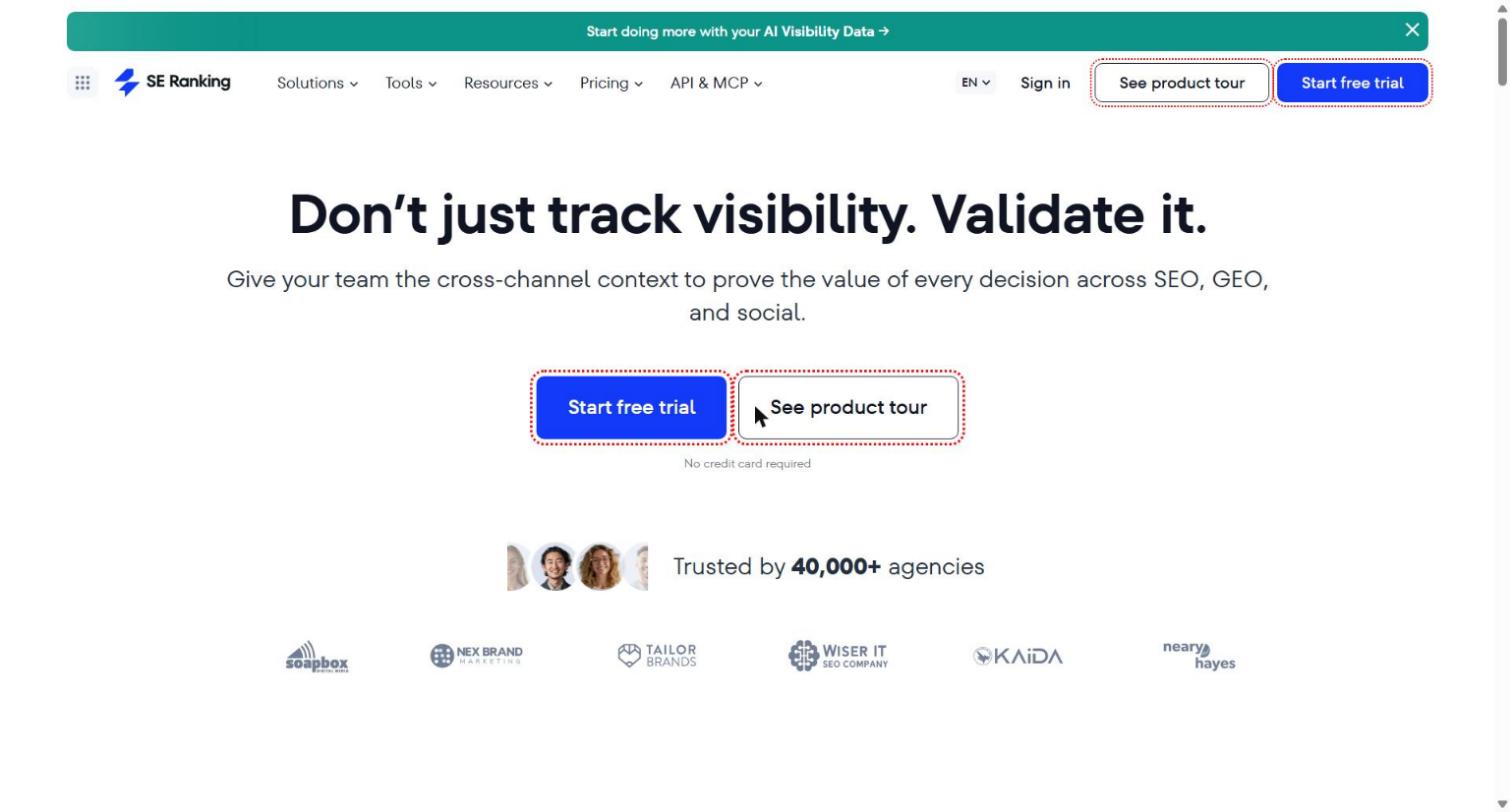
SE Ranking covers rank tracking, site audits, backlinks and competitor research at a lower price than Semrush and Ahrefs. Its automation strength is reporting: white-label reports go out on a schedule, and daily rank tracking is included on every plan. An AI Search add-on tracks AI Overviews, AI Mode, Perplexity and ChatGPT, and local teams get map-grid rank tracking.
Pros
Strong agency features: client portals, white-label dashboards and multi-location support.
Daily rank tracking on every tier, with site audits that crawl up to 2 million pages a month.
A gentler learning curve than the larger suites.
Cons
Keyword and backlink databases are smaller than the market leaders, and niche verticals show the gaps.
AI search tracking is a paid add-on, which pushes the real cost of a full setup well above the entry price.
The built-in article generator is basic, with no CMS publishing workflow or bulk refresh.
Pricing: entry plans run from about $65 to $129 a month depending on plan and billing, the AI Search add-on is about $89 a month, and the Agency Pack adds white-label for about $69. A 14-day trial is available.
Best for: agencies and in-house teams of 3 to 10 people that need reports to go out on their own.
8. Screaming Frog: best for deep technical crawls
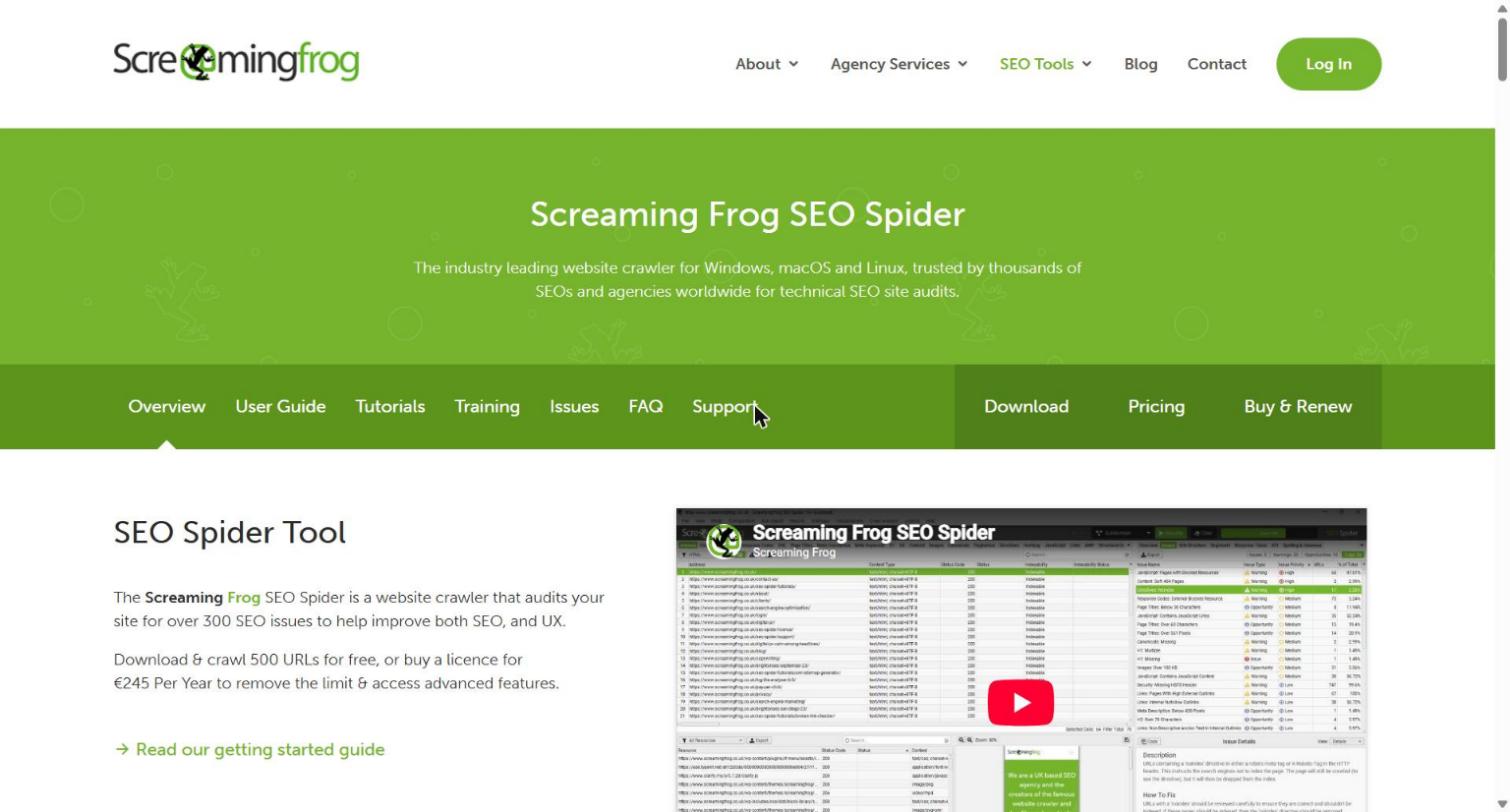
Screaming Frog is the desktop crawler every technical SEO eventually installs. It records status codes, redirects, canonicals, titles, headings, schema and internal links for your whole site. Custom extraction with XPath, CSS paths and regex pulls any element, JavaScript rendering handles modern sites, and crawls can be scheduled from the command line. If you need a crawl you can slice any way you like, nothing in this list beats it.
Pros
Free for up to 500 URLs and inexpensive after that.
The most granular and configurable crawl data available.
Data stays on your machine, which helps teams with strict data rules.
Cons
Technical auditing only. No keyword research, content, publishing or AI visibility.
Crawl speed depends on your computer's memory and processing power.
No built-in collaboration or reporting, so findings travel through exports.
The interface has a steep learning curve.
Pricing: free up to 500 URLs per crawl, then about $279 a year per user. AI features use your own OpenAI or Gemini API keys, billed separately.
Best for: technical SEOs and agencies running migrations or auditing large sites. For a quick health check without installing anything, our technical SEO audit and free Googlebot page size checker cover the common blockers.
9. n8n: best for building your own automations
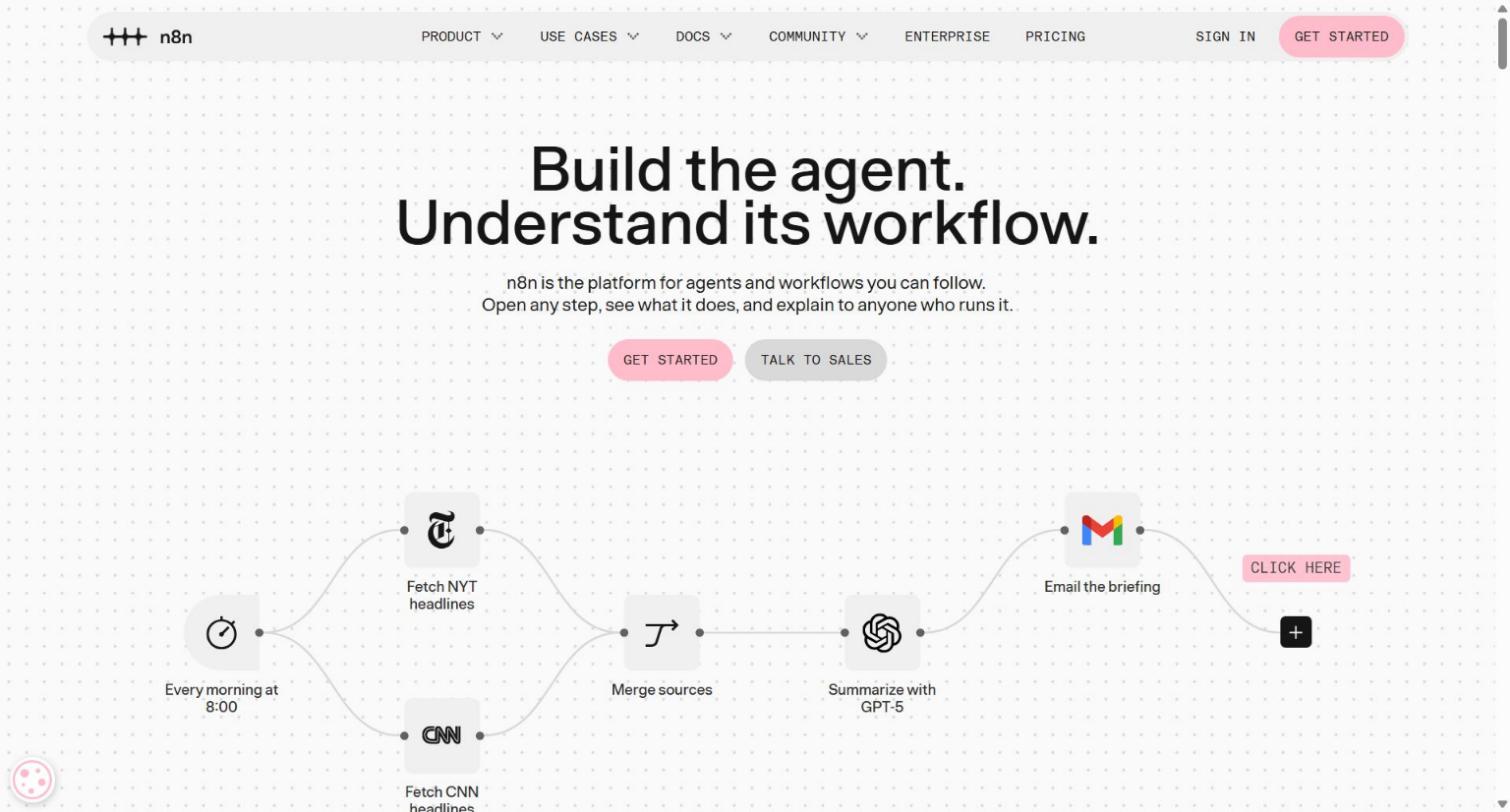
n8n is a visual workflow builder that connects apps through blocks called nodes. For SEO, that means you can pull Search Console data every Monday, compare it with last week, ask a model to group the changes, and post a summary to Slack. Community templates cover indexing checks, cannibalization reports and Search Console analysis, and a code step handles whatever a node cannot.
Pros
The most flexible tool here, with a free self-hosted Community Edition.
Billing counts one execution per workflow run, not per step.
Pairs well with a content platform. Keytomic's webhook integration can hand finished articles to an n8n endpoint that routes them to Slack, a sheet or an approval queue.
Cons
You design, test and maintain every workflow, and a silent failure is yours to catch.
It brings no SEO data. Keyword and AI model APIs bill separately.
Workflows that poll every few minutes can burn through an execution allowance quickly.
Pricing: free to self-host (you pay for hosting). Cloud Starter is $20 a month billed annually for 2,500 executions, and Pro is about $50 a month for 10,000.
Best for: technical marketers who want custom workflows and are comfortable owning the maintenance.
More SEO automation tools worth knowing
These did not make the top nine, but each one solves a narrow job well. Most of them slot into a stack rather than replace it.
Tool | Use it for | Limitation | Starting price |
|---|---|---|---|
Automated SEO blog publishing for small businesses and ecommerce stores — connects to your site and publishes weekly SEO-optimised posts on autopilot | No keyword research, backlink data or AI visibility tracking; designed for content volume rather than full-stack SEO | From $49/month | |
Clearscope | Content decay alerts tied to Search Console | Flags decay but does not rewrite or publish the fix | About $129/month |
Alli AI | Deploying on-page changes across many sites with one snippet | Technical on-page work only | About $299/month |
Sitebulb | Visual audits that developers and clients can read | Scheduled audits need the Pro plan | From $18/month |
LinkWhisper | Internal link suggestions and auto-linking rules in WordPress | WordPress only | About $97/year |
Zapier | Connecting the tools you already use with simple triggers | Task-based pricing climbs as workflows multiply | From $19.99/month |
Gumloop | No-code AI workflows with LLM steps | Brings no SEO data of its own | Free plan, paid from $37/month |
Rank Math | Schema, redirects and sitemaps inside WordPress | WordPress only | Free, paid from about $59/year |
Looker Studio | Free dashboards that refresh from Search Console and GA4 | Shows data, fixes nothing | Free |
Google Search Console | Free indexing and performance data | Reports lag by a day or two | Free |
How Keytomic compares with other AI SEO tools
If your shortlist is made of AI content and visibility tools rather than research suites, these head-to-heads cover the questions I get most:
Comparing content autopilots? See Keytomic vs Outrank, Keytomic vs SEObot and Keytomic vs BabyLoveGrowth.
Comparing brief and optimization tools? See Keytomic vs Frase, Keytomic vs MarketMuse and Keytomic vs Scalenut.
Comparing general AI writers? See Keytomic vs Jasper.
Comparing AI visibility trackers? See Keytomic vs Profound and Keytomic vs Peec AI. Those two focus on monitoring, so the question is whether you also want the content and publishing workflow in the same account.
Comparing agent-style tools? Read our roundup of the best AI SEO agents, or the list of SEO automation software for agencies and white label SEO software if you resell the work.
Which SEO automation tool fits your team and budget
The right stack depends on team size, technical skill and how much you want a tool to touch live pages. Start with the row that looks like you.
Your situation | Start with | Add only if you need it |
|---|---|---|
Solo founder or small business site | Keytomic plus the free Google stack | A research seat once you know which data you miss |
Lean marketing team publishing weekly | Keytomic plus Screaming Frog | Ahrefs Lite for competitor and backlink research |
SEO team that already owns the strategy | Keytomic for execution, a research suite for data | n8n for custom alerts and routing |
Agency managing client sites | Keytomic, SE Ranking for scheduled reports, Screaming Frog for crawls | Sitebulb for client-friendly audit PDFs |
Content team with 100+ pages to maintain | AirOps plus Semrush | Clearscope for decay alerts |
Enterprise or very large site | Semrush or Ahrefs, Screaming Frog, OTTO SEO or Alli AI | A monitoring tool for 24/7 change alerts |
WordPress blogger on a tight budget | Rank Math, Search Console and Looker Studio | LinkWhisper for internal links |
What each stack costs per month
These are list prices, monthly billing, with no add-ons or extra seats.
Stack | What it covers | Monthly cost |
|---|---|---|
Free starter | Search Console, Looker Studio, Screaming Frog free tier, plus free tools like the headline checker, meta description generator, FAQ schema generator and robots.txt generator | $0 |
Solo or small business | Keytomic Pro plus the free Google stack | $99 |
Lean team | Keytomic Pro plus a Screaming Frog license (about $23 a month) | About $122 |
Team with a research seat | Keytomic Pro, Screaming Frog and Ahrefs Lite | About $251 |
Typical three-tool stack | Semrush Pro ($139), Surfer Standard ($99) and Search Atlas Starter ($99) | $337, before AI visibility add-ons and per-site OTTO fees |
The last two rows do not cover the same ground. The three-tool stack gives you a bigger keyword database and link index. The Keytomic stacks give you one workflow from keyword to published page. Decide which data you would actually open every week, then buy that. Agencies with several client sites should look at the agency plan details and the pricing page before multiplying anything.
How to automate SEO stage by stage
Automation works when each stage has an owner for the part a machine cannot judge. This is the split I run, with where Keytomic fits at each step.
Stage | Automate this | Keep a human on this | Where it lives in Keytomic |
|---|---|---|---|
Keyword research | Demand pulls, intent labels, clustering | Which offers and audiences you actually serve | AI keyword research |
Topical planning | Cluster maps, page types, parent and child pages | Priorities and what you refuse to write about | Topical map generator |
Calendar | A 30-day plan with titles and dates | Approving the calendar before it runs | Autoblog publishing |
Briefs | Headings, entities, questions to answer | Your point of view, data and examples | Semantic SEO automation |
Drafting | First draft in your brand voice | Fact checks, quotes, first-hand detail | AI blog writer |
Images | On-brand visuals and alt text | Anything with a real product or person in it | AI image studio |
Publishing | Draft creation, templates, scheduling | Pressing publish on the first batch | Native CMS integrations |
Indexing | Sitemap updates and submissions where allowed | Investigating pages that stay undiscovered | Multi-search engine indexing |
Tracking | Rank, click and AI citation reporting | Deciding what to do with the numbers | AI visibility tracker |
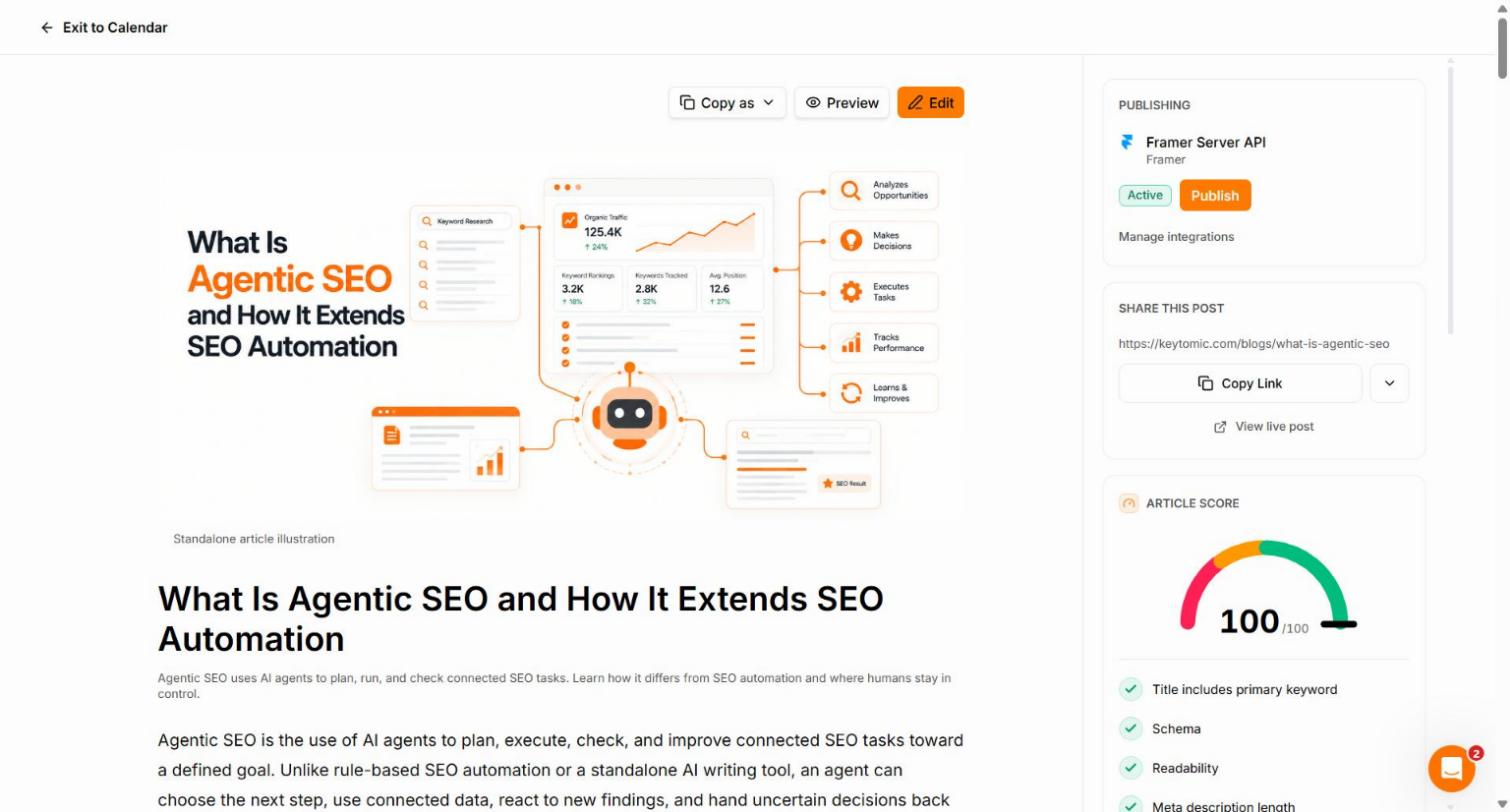
How to automate keyword research without ending up with a spreadsheet
A keyword list is not a plan. Here is the sequence that turns demand data into pages you can publish.
Start with one seed topic and one buyer. Add the product or service you want the page to sell.
Pull related terms and group them by search intent: informational, commercial, transactional.
Cluster terms that one page can serve, then give each cluster a page type: blog post, comparison, integration page or landing page.
Check the SERP for each cluster. If the top results are all listicles, a how-to will struggle, and the other way round.
Score each cluster by demand, difficulty and its chance of being cited in AI answers, then place the winners on a calendar with internal links to the pages that already exist.
A tool that runs steps one to five and hands you a dated calendar is automating keyword research. A tool that stops at step two is exporting data.
How to automate content refreshes without breaking what ranks
Refresh is the stage most stacks automate worst, and it pays the fastest. Pages that once ranked slide quietly while the team ships new posts. Run this loop every month, whichever tool you use.
Pull pages whose clicks fell over the last 90 days compared with the previous 90 in Search Console.
Split them by cause: ranking dropped, ranking held but click-through fell, or an AI answer now sits above the result.
Keep the sections that drive your current queries. Replace outdated figures, screenshots and tool lists.
Rebuild the weak sections against the pages that rank now, and add something they lack: your own data, a decision table or a worked example.
Update the visible date, republish and resubmit the URL, then recheck in two to four weeks.
Freshness also matters for pages you want cited in AI answers, so treat the update date as part of the page, not an afterthought.
How to test SEO automation tools before you commit
A demo shows the best case. A pilot shows the real one. This is the 14-day test I run on two finalists, using the same inputs for both.
Step 1: Baseline your current pipeline
Write down how a keyword becomes an indexed page today: who researches, where briefs live, who edits, who publishes, how pages get linked and how you check indexing. Then measure the last 30 days:
Pages published.
Median time from publish to first crawl, if you can estimate it from Search Console.
Share of new pages still not indexed after 14 days.
Run your current pages through the canonical URL checker and the meta title and description length checker so the baseline includes the hygiene problems a tool will either fix or repeat.
Step 2: Run the same pilot on both finalists
10 articles in 14 days, across at least two intents (informational and commercial).
Published to your real CMS in draft, never straight to live.
At least three internal links in every article.
Tracked from publish to discovery to indexing.
If a vendor cannot support a pilot that small, it will not support you at scale.
Step 3: Score the pilot
Metric | How to measure | Target I use |
|---|---|---|
Calendar acceptance | Share of proposed titles you would publish unchanged | 70% or more |
Edit time | Minutes from draft to approved, per article | Falling each week |
Mistakes shipped | Wrong template, missing canonical, duplicate topic, unapproved publish | Zero |
Discovery | New pages found by search engines within 7 days | 80% or more |
Indexing | New pages indexed within 14 days | 60% or more, improving monthly |
AI visibility | Tracked prompts where your brand is cited, day 1 vs day 14 | A baseline you can move |
Cost per published page | Total tool spend divided by pages shipped | Lower than your current process |
These are starting targets, not promises. Never plan around "indexed in hours", because you control the inputs, not Google's schedule.
Step 4: Roll out in three phases
Weeks 1 and 2: connect the CMS and Search Console, set templates and define the review flow.
Weeks 3 to 6: publish 2 to 4 posts a week and tighten the briefs with what the pilot taught you.
Weeks 7 to 12: expand to the full 30-day calendar, build the internal linking routine and set up reporting.
For every page, use one definition of done: correct template, correct canonical, indexable, in the sitemap, three internal links, one clear call to action and a source for every statistic.
Risks and guardrails for automated SEO
Google's spam policies target scaled content made to manipulate rankings, and it reported that the March 2024 update cut low-quality, unoriginal results by about 45%. Its policy on scaled content abuse applies whether a person or a machine wrote the page, and the later site reputation abuse rules cover third-party content that borrows your domain's authority. Volume is not the risk. Unreviewed volume is.
These are the guardrails I set on every account:
Draft-first publishing, with a named reviewer on the first 20 articles.
A cannibalization check before a new page is approved, so two URLs do not chase one query.
Something original in every article: your data, a screenshot, a worked example or a decision rule.
A source for every statistic, and a rule that unverified numbers do not ship.
Rollback for anything that changes live pages, and a log of what changed.
A monthly sample review of published output, because quality drifts when nobody looks.
Done well, automation moves your week from producing pages to deciding which pages deserve to exist. That is the trade you are buying.
Will SEO automation work on your platform and industry?
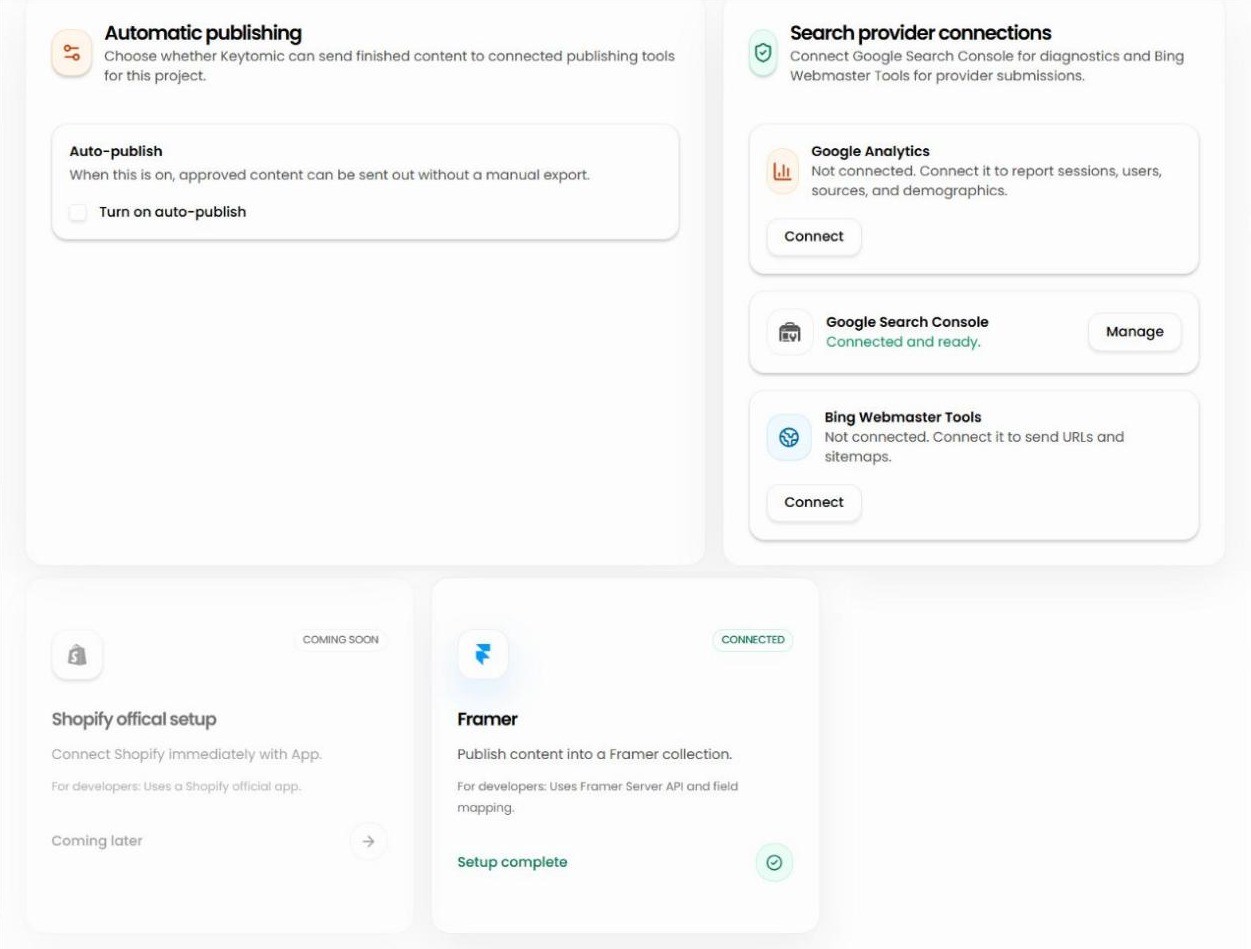
Check the publishing path before you check anything else. A tool that cannot reach your CMS turns automation back into copy-paste. Here is how Keytomic connects, and the page to read for your setup.
Your platform | How content gets there | Read this |
|---|---|---|
WordPress | Native integration plus a lightweight companion plugin that receives drafts through a secure REST endpoint | WordPress integration, WordPress SEO |
Shopify | Native publishing to your store blog | Shopify integration, Shopify SEO |
Webflow | Native publishing to your CMS collections | Webflow integration, Webflow SEO |
Framer | Native publishing through the Framer plugin | Framer integration, Framer SEO |
Wix and Squarespace | Platform playbooks for planning and tracking | Wix SEO, Squarespace SEO |
Lovable and vibe-coded sites | Platform playbook, plus the webhook and API paths below | Lovable SEO, Next.js integration, Replit integration |
Headless and workspace tools | Integrations for structured content and docs | Contentful, Notion, Go High Level |
Anything else | Send content to your own endpoint | Webhooks, custom API |
Industry matters too, mostly for how much review you need. Playbooks exist for SaaS SEO, ecommerce SEO, local SEO, real estate SEO, recruitment SEO and auto repair SEO. Health and legal topics need a qualified reviewer on every article, so treat law firm SEO, dental SEO and medical SEO as level 3 on the automation ladder permanently.
Final verdict: which SEO automation tool should you choose?
Choose by your bottleneck. If you lose weeks between a keyword idea and an indexed page, you need an execution tool, and that is the gap Keytomic was built to close. If you lack demand or backlink data, buy Ahrefs or Semrush. If you need fixes applied to live pages, test Search Atlas. If you maintain hundreds of pages, test AirOps. If you want total control, build on n8n. Most mature teams end up pairing one research tool with one execution tool.
Whatever you pick, run the 10-page pilot, ask the cancel question and make the vendor show you AI citations for five prompts you chose. Those three checks filter out most of the weak options.
You can test the full workflow with the 3-day Keytomic trial, or read the pricing page first. If you work with an AI assistant, the free Keytomic MCP will audit 25 pages in minutes.
FAQs about SEO automation tools
What are SEO automation tools?
SEO automation tools are software that runs repeatable SEO tasks for you, such as keyword research, content planning, drafting, publishing, indexing, audits and rank tracking. They differ from traditional SEO tools, which mostly show data for you to act on.
What is the best SEO automation tool?
The best one removes the task you repeat most. For keyword-to-published-page workflows, Keytomic is the strongest fit on this list. Ahrefs and Semrush lead on research, Search Atlas on live technical fixes, AirOps on bulk refreshes and Screaming Frog on crawling.
How do I choose an SEO automation tool?
Score each tool on automation level, human control, CMS fit, indexing honesty, AI search coverage, integrations, governance and real cost. Then pilot your top two on 10 real pages, and decide from the pilot, not the demo.
Are SEO automation tools worth it?
They pay off when you publish or maintain pages weekly and the manual steps between them cost more than the subscription. Measure it: record hours per task before you start, then count review and fix time afterward. If review time is close to manual time, tighten the rules or change tools.
Can SEO automation tools replace an SEO professional?
They remove repetitive execution, while strategy, positioning, original insight and quality control stay with people. The best results come from automation plus a reviewer who knows your market.
Do I still need Semrush or Ahrefs if I use an automation platform?
Often yes, if you rely on deep competitor, backlink or volume data. An execution platform turns decisions into published pages, and a research suite helps you make better decisions. Teams that only need to ship a consistent calendar can start with one tool.
What happens to my SEO if I cancel an automation tool?
It depends on how the tool makes changes. Articles published to your CMS stay live. Fixes delivered through a script or pixel can stop applying when the subscription ends, so ask before you buy.
Can SEO automation tools track visibility in ChatGPT and Perplexity?
Many now do, but coverage varies by engine, prompt count and plan. Check which engines are included, whether you can pick your own prompts, and whether the tool shows the sources behind each citation.
Do SEO automation tools work with any CMS?
Only if the vendor supports your publishing path. Look for native connections to WordPress, Shopify, Webflow or Framer, plus webhooks or an API for everything else. If a tool depends on CSV exports, you are doing the automation by hand.
Is automated SEO content against Google's guidelines?
No, but scaled content made mainly to manipulate rankings is. Google judges the quality and purpose of a page, not how it was drafted. Review output, add original value and avoid publishing pages that do not answer a real query.
Is it safe to give an automation tool access to Google Search Console?
Usually yes, if you limit it. Connect through Google's official sign-in, grant the lowest permission the tool needs, and never share a password. Review connected apps every quarter.