The best SEO reporting tools for agencies depend on your bottleneck. AgencyAnalytics and DashThis suit dedicated white-label client reporting, Semrush and SE Ranking suit teams that want SEO research plus reporting, and Looker Studio suits teams that build their own dashboards. Keytomic suits agencies that want reporting tied to planning, content, publishing, and AI visibility.
You're switching between Google Search Console, GA4, rank trackers, site audits, spreadsheets, and a client deck for every account. By the third client, reporting starts to feel like its own department. If reporting is only one part of the problem, see SEO automation software for agencies and AI SEO tools for marketing agencies.
The real question isn't which tool lists the most integrations. It's which one produces defensible numbers, keeps client data separate, and still shows the next action. If branding matters most, our list of white label SEO software goes deeper, and smaller agencies can check SEO tools under $100.
The list below scores nine options on client separation, scheduled delivery, white-label depth, GSC and GA4 connections, AI visibility, commentary, workflow coverage, and cost. Here's how I'd shortlist SEO reporting tools for agencies. Further down, there's a step-by-step workflow to automate SEO reporting once you've picked a tool.
What agencies should expect from SEO reporting software
SEO reporting software turns search and site data into client-ready reports on a schedule. Agency-grade versions add client separation, branding, and room for commentary. Keytomic’s approach is covered in AI SEO for agencies.
Client separation matters more than a long metric list
Each client needs its own data connections, permissions, and branding. One wrong share setting becomes a trust problem fast.
Before you count metrics, check how a tool separates accounts. For the metrics worth including, see these SEO KPIs for client reports.
GSC, GA4, rankings, and AI visibility answer different questions
Search Console reports clicks, impressions, CTR, and average position for Google Search. Google Analytics 4 measures on-site behavior and key events. AI visibility is a separate signal, so keep it out of your traffic totals.
Data source | Question answered | Reporting use |
|---|---|---|
Google Search Console | How often did the site appear and get clicked in Google Search? | Clicks, impressions, CTR, position |
Google Analytics 4 | What did visitors do on the site? | Sessions, key events |
Rank tracking | Where do target keywords sit? | Position trends |
AI visibility | Is the brand mentioned or cited in AI answers? | Prompt-level mentions, labeled separately |
White-label reporting has several separate layers
White-label SEO reporting means client-facing reports carry your branding, not the vendor's. Check logo, colors, custom domain, email sender, PDF export, and client portal one by one, because a tool can offer some layers and not others.
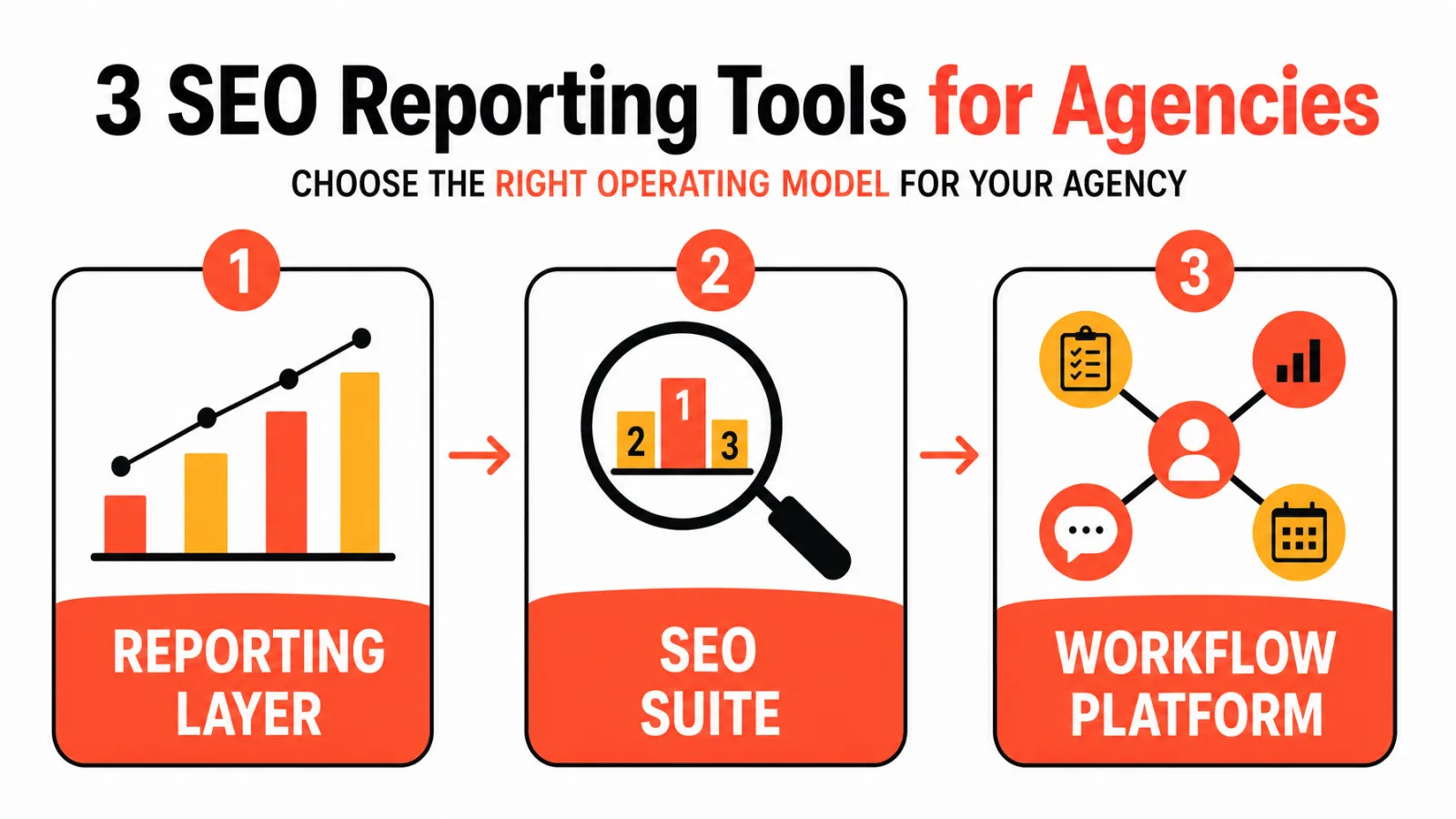
It also helps to sort tools by operating model. The SEO reporting tools for agencies in this list fall into a reporting layer, an SEO suite, a local specialist, a cross-channel platform, or a connected SEO workflow platform.
How we evaluated the nine tools
This comparison of SEO reporting tools for agencies uses official product pages, help documentation, and public pricing pages from research checked in October 2026. It isn't a hands-on test.
The agency-specific scoring rubric
Client separation and permissions
Scheduled report delivery
White-label depth
GSC and GA4 connections
AI visibility reporting
Commentary and approval
Workflow coverage beyond reporting
Cost per active client
How pricing and feature claims were verified
Each claim links to a vendor page, and prices show the billing term the vendor lists. They can change, so confirm before buying.
For cost per active client, use this planning formula: (monthly software cost + required add-ons) divided by active client accounts. It's a calculation, not a vendor quote.
What this comparison does not claim
No time-savings claims, no review ratings, and no performance results. In the table, Not verified means I couldn't confirm it from an official source, not that the feature is missing. I also left Ahrefs out because I haven't verified its white-label reporting from an official source.
Quick comparison of the best SEO reporting tools for agencies
This table puts the best SEO automation software that handles reporting tools for agencies side by side on the same fields, using short values you can scan or parse.
Tool | Best fit | Client separation | Scheduled reports | White-label depth | GSC | GA4 | AI visibility | Technical SEO data | Commentary or approval | Workflow coverage | Pricing model | Verified limitation |
|---|---|---|---|---|---|---|---|---|---|---|---|---|
AgencyAnalytics | Dedicated client reporting | Per-client plans | Yes | Dashboards | Yes | Yes | Not verified | Not verified | Yes | Not the primary focus | From $20 per client/month, annual | Reporting-centered |
Keytomic | Connected SEO workflow | Yes | Yes | Yes | Yes | Not verified | Yes | Yes (audits) | Approval workflow | Yes | Pro $99/month listed | Not a reporting-only tool |
Semrush | SEO suite | Not verified | Yes | Pro reports | Yes | Yes | Yes | Not verified | Not verified | SEO suite | $10 or $20 per report/month, plus toolkit | Report fee is an add-on |
SE Ranking | SEO suite with agency pack | Client seats | Yes | Yes | Not verified | Not verified | Yes | Not verified | Not verified | SEO suite | Agency Pack from $69/month, annual, plus base plan | Add-on to base plan |
DashThis | Cross-channel dashboards | Not verified | Yes | Custom domain | Yes | Yes | Not verified | Not verified | Comments | Not the primary focus | From $44/month, annual, by dashboard count | Reporting layer only |
Whatagraph | High-volume marketing reporting | Not verified | Yes (PDF emails) | Custom branding | Not verified | Not verified | Not verified | Not verified | Not verified | Not the primary focus | Max from €999/month, annual | SEO scope not verified |
Looker Studio | Custom Google dashboards | Permissions and sharing | Yes | Not verified | Yes (templates) | Yes (templates) | Not verified | Not verified | Not verified | Not the primary focus | No-cost tool | You build and maintain |
BrightLocal | Local SEO | Not verified | Yes | Branded dashboards | Not verified | Not verified | Not verified | Local ranking alerts | Not verified | Not the primary focus | See vendor pricing page | Local specialist |
Raven Tools | Broad marketing reporting | Not verified | Yes | Yes | Not verified | Not verified | Not verified | Not verified | Not verified | Not the primary focus | Published plans | AI visibility not verified |
Feature availability and pricing can change, so confirm details on each vendor page before you buy.
1. AgencyAnalytics
Best for dedicated multi-client reporting
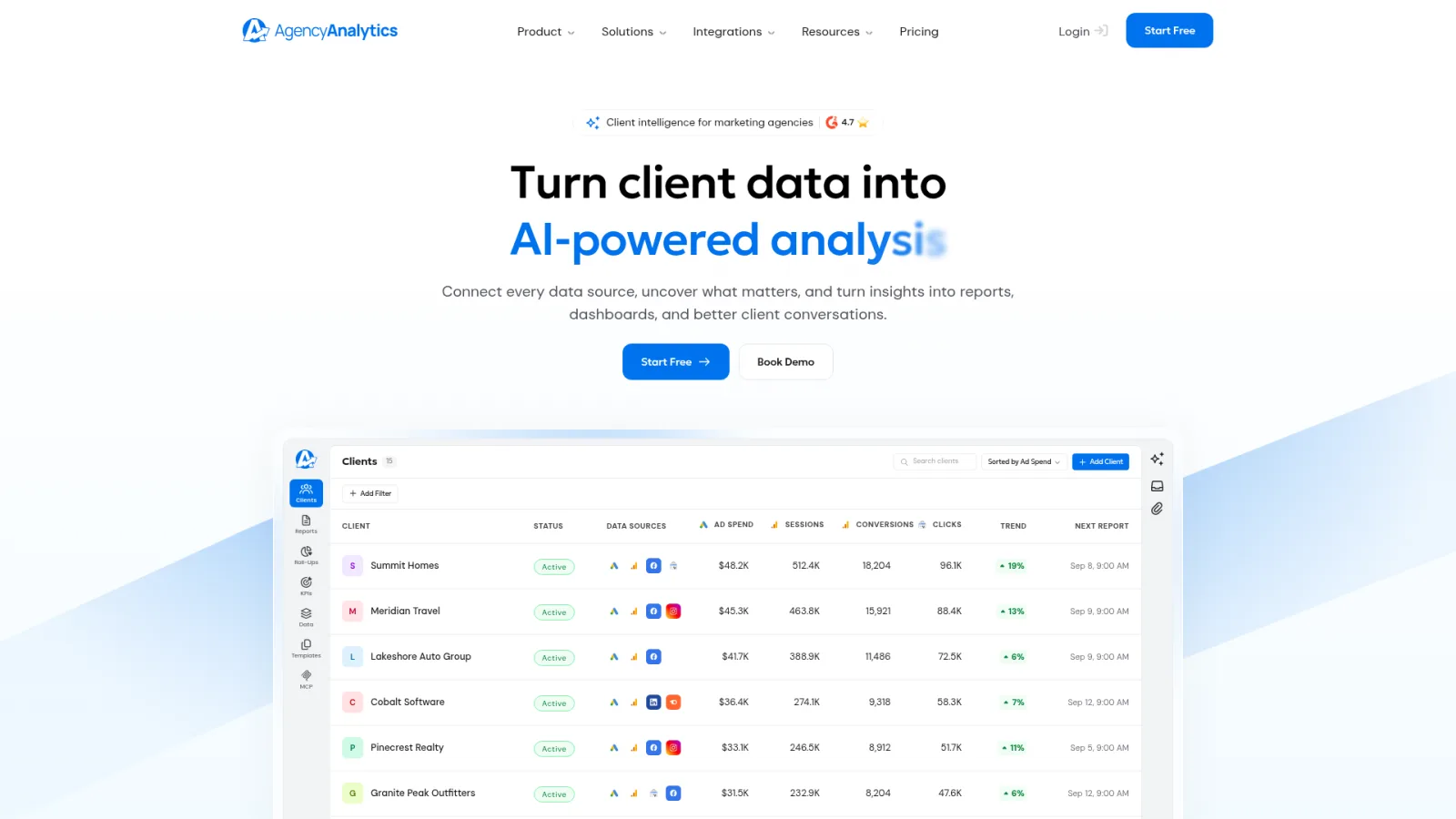
AgencyAnalytics is the strongest fit for agencies that need a dedicated white-label client reporting layer. That's my editorial read against the rubric, not a vendor claim.
Reporting strengths and verified capabilities
Its Search Console integration page and related pages document GSC and GA4 reporting, scheduled delivery, approval and commentary functions, and white-label dashboards, across 85+ integrations. Pricing starts from $20 per client per month billed annually.
Limitation and agency fit
It's reporting-centered, so research, content, and publishing stay in other tools. It fits when report production is your bottleneck.
2. Keytomic
Keytomic publishes this comparison and is included as one of the evaluated platforms. The ranking reflects the stated rubric, not a claim that Keytomic is the best fit for every agency.
Best for connecting reporting to an SEO execution workflow
Keytomic fits when you want reporting tied to the work behind the numbers. It connects SEO planning, content, publishing, technical audits, reporting, and AI visibility in one approval-based platform.
Reporting, AI visibility, and workflow coverage
The public Pro plan is listed at $99 per month as of the October 2026 pricing review. Check Keytomic pricing and current plan limits before you decide, since agency details can differ.
Limitation and disclosure
Keytomic may not suit an agency that only needs a standalone reporting dashboard, a forensic crawler, or a deep backlink database.
3. Semrush
Best for agencies already using a broad SEO and AI visibility suite
Semrush is the practical choice when research and reporting should share one account.
My Reports features and pricing structure
Semrush's pricing page documents My Reports with GSC and GA4 connections, scheduled delivery, white-labeling on Pro reports, AI summaries, and AI visibility features. Report pricing is listed at $10 or $20 per report per month.
Limitation and agency fit
Budget the report fee on top of the core toolkit, not instead of it. Total cost per active client is the number to compare.
4. SE Ranking
Best for agencies combining SEO research, rank tracking, AI visibility, and white-label reporting
SE Ranking suits agencies that want one subscription covering research, rank tracking, AI visibility, and white-label reporting.
Agency Pack and reporting controls
The SE Ranking Agency Pack documents white-label reporting, unlimited white-label reports, client seats, and automated reports. It starts at $69 per month billed annually.
Limitation and agency fit
That price is an add-on, so calculate the base subscription separately. Check AI visibility limits against your plan too.
5. DashThis
Best for flexible cross-channel client dashboards
DashThis fits agencies that report across SEO and other channels in one dashboard format.
SEO sources, white-label delivery, and commentary
DashThis's SEO reporting page lists GSC, GA4, Ahrefs, Moz, Semrush, and rank-tracking connections, plus scheduled reports, custom domains, white-label delivery, and comments. Pricing starts from $44 per month billed annually, scaled by dashboard count.
Limitation and agency fit
It's a reporting and data aggregation layer. Don't expect content production or technical SEO execution from it.
6. Whatagraph
Best for high-volume marketing reporting teams
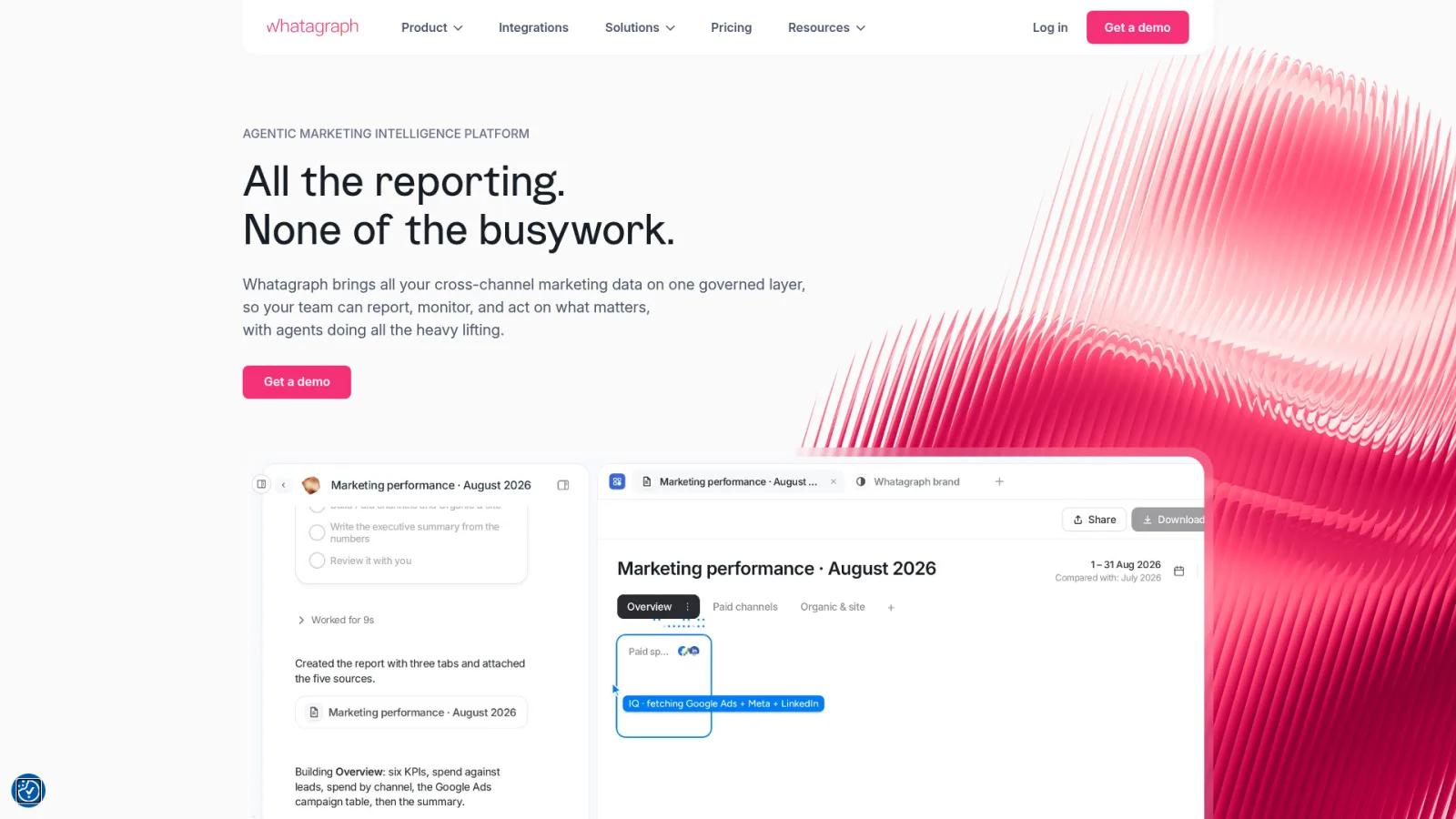
Whatagraph is a fit for teams producing many branded marketing reports.
White-label reports, data foundation, and governance
The official Whatagraph pricing page documents white-label reports, automated PDF emails, custom branding, data groups or blends, advanced integrations, and governance. The Max plan starts from €999 per month billed annually.
Limitation and agency fit
I haven't verified an SEO-specific product scope, so treat it as a general marketing reporting platform and confirm SEO needs in a demo. The euro price is shown as listed, with no conversion.
7. Looker Studio
Best for teams that want customizable Google-connected dashboards
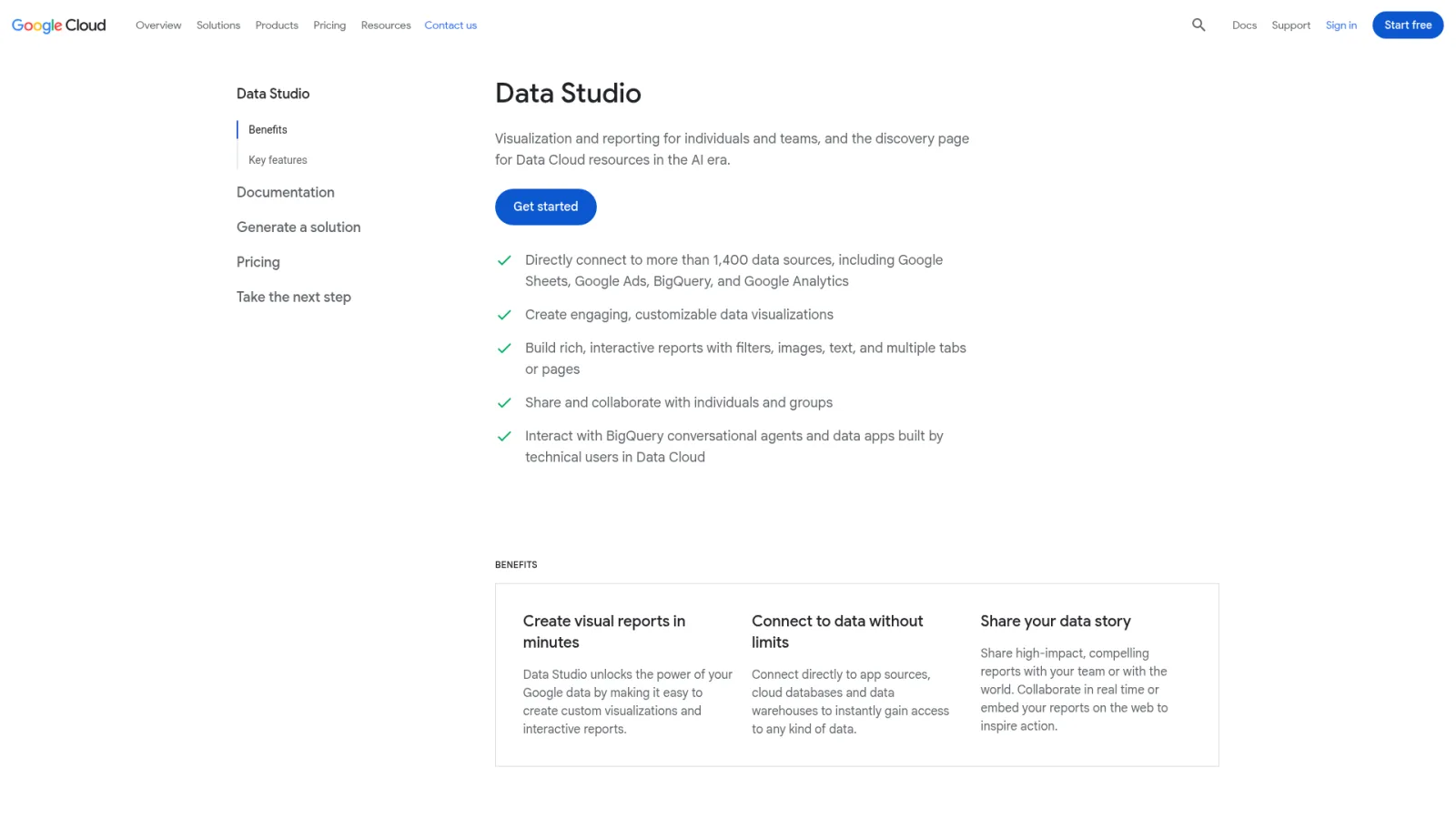
Looker Studio fits teams willing to build and maintain their own dashboards.
Connectors, templates, sharing, and permissions
Google documents a no-cost reporting tool with Google connectors, sharing, and permissions, plus templates for Search Console and Analytics and report scheduling.
Limitation and agency fit
Your agency owns the build, governance, and security of every report. That's an operating cost, not a product flaw, so price your hours.
8. BrightLocal
Best for local SEO agencies and location-based reporting
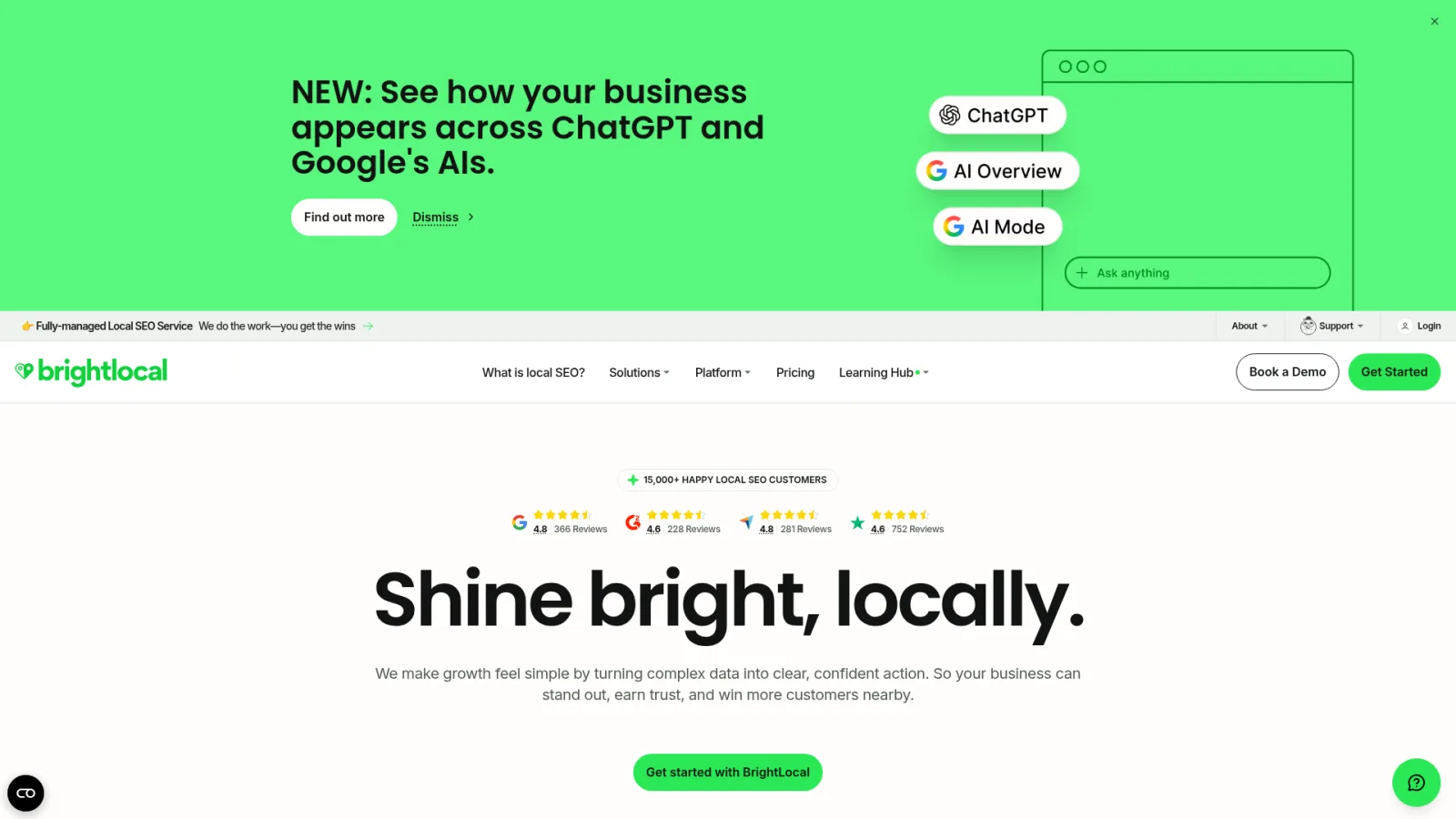
BrightLocal is a local SEO specialist, best for agencies reporting on location-based clients.
Local reporting and white-label controls
Its pricing and plans page documents white-label local SEO reports, branded dashboards, scheduled reporting, and ranking alerts.
Limitation and agency fit
It isn't my default for broad non-local research, content production, or general AI visibility reporting, since I haven't verified those features.
9. Raven Tools
Best for agencies wanting a broad SEO and marketing reporting suite
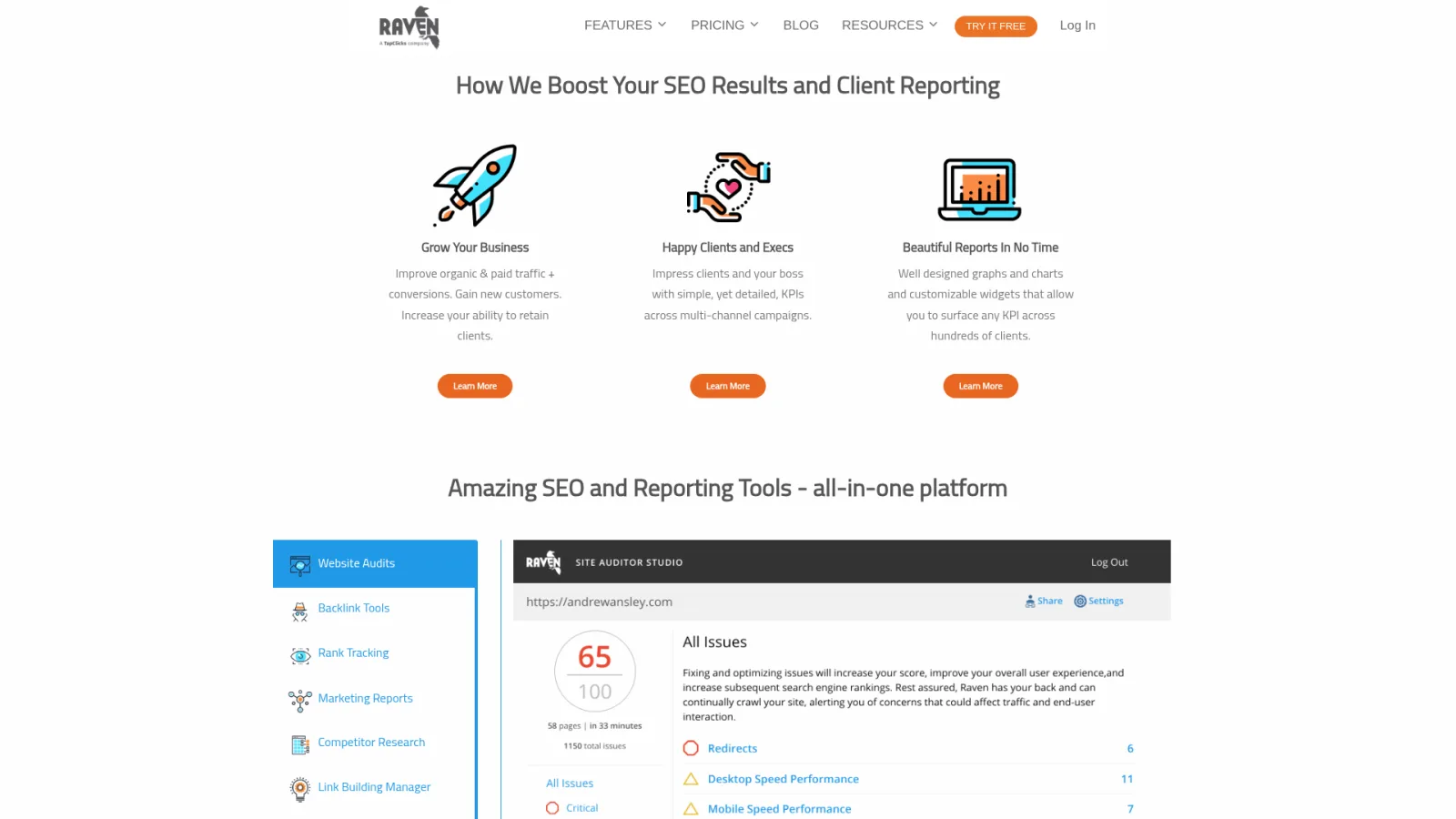
Raven Tools suits agencies that want SEO and marketing reporting in one suite.
Automated reports, connectors, and white-label options
The Raven Tools pricing page documents automated reports, 20-plus data connectors, SEO and marketing reporting, white-label options, and published plans. Confirm current plan names and campaign limits.
Limitation and agency fit
Keep its broad coverage separate from AI visibility, which I haven't verified for Raven Tools.
Which SEO reporting tool is best for an agency with multiple clients?
Picking among SEO reporting tools for agencies starts with who owns the bottleneck: report production, research data, or the whole workflow. Client count, cadence, integrations, and dashboard maintenance all matter, and so does your capacity, so read up on SEO agency growth and scaling workflows.
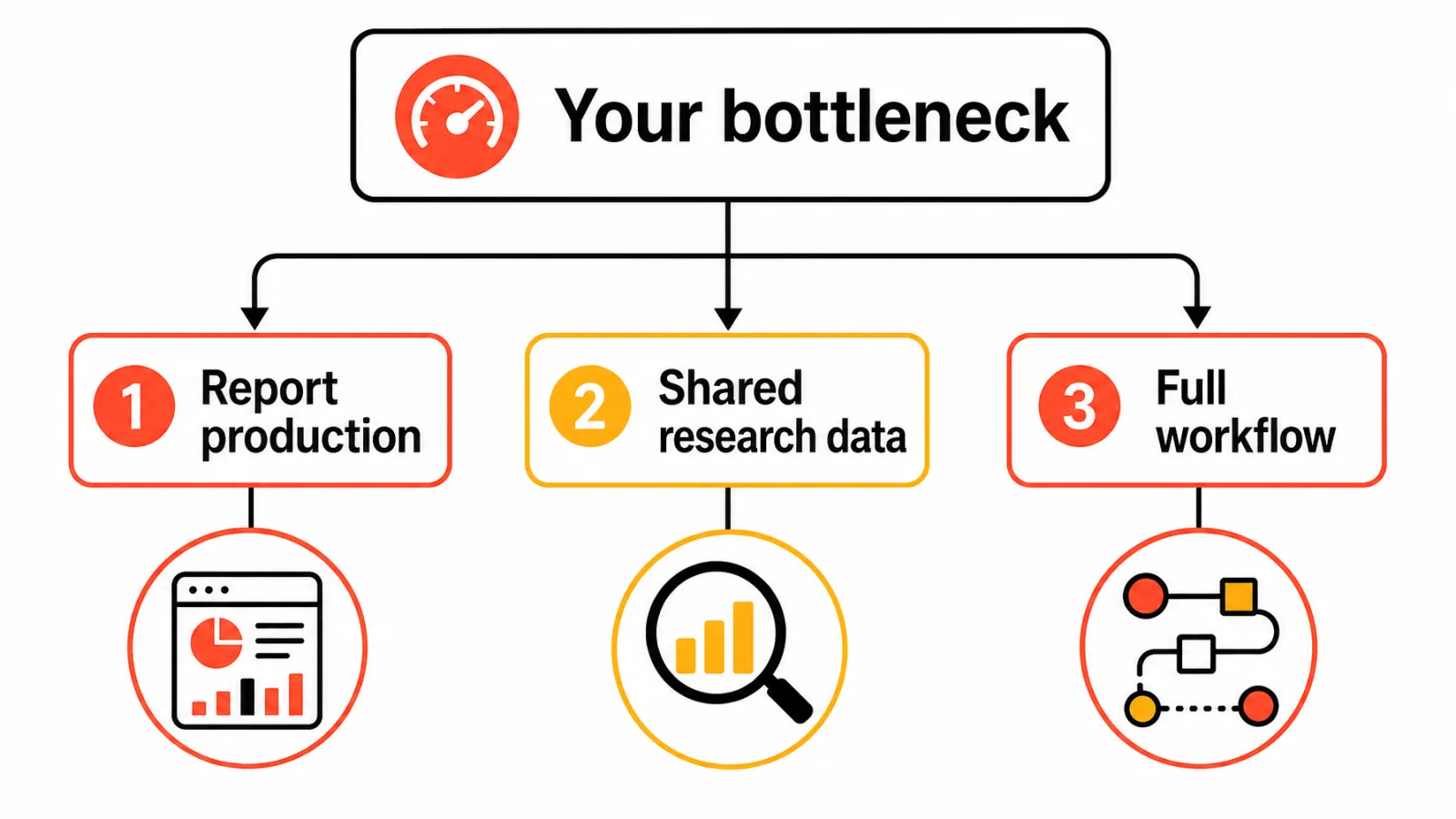
Choose a dedicated reporting platform when report production is the bottleneck
If branded reports and client access slow you down, look at AgencyAnalytics, DashThis, or Whatagraph. Pick Looker Studio only if someone will maintain the dashboards.
Choose an SEO suite when research and reporting must share data
Semrush or SE Ranking fit when rank data, research, and reports belong in one account.
Choose a workflow platform when publishing and visibility tracking are also bottlenecks
Keytomic fits when reporting should connect to planning, publishing, and AI visibility. I'd check that fit first if you want a multi-client SEO dashboard tied to execution.
Do SEO reporting tools track Google AI Overviews and ChatGPT visibility?
Some SEO reporting tools for agencies do. AI visibility reporting measures whether a brand appears in answers from engines such as ChatGPT, Perplexity, Gemini, Claude, and Google AI Overviews, and coverage varies by vendor.
Separate AI visibility from Google Search Console data
Google's AI features guidance says AI Overviews and AI Mode still rely on foundational SEO, and that AI feature traffic is included in Search Console web performance data. Third-party AI visibility numbers are a different measurement, so report them separately.
Check engines, prompts, cadence, and source methodology
Before you compare AI visibility numbers across vendors, ask:
Which engines are covered?
Who chooses the prompts, and how many are included?
How often are results sampled?
How are mentions and citations counted?
Which plan limits apply?
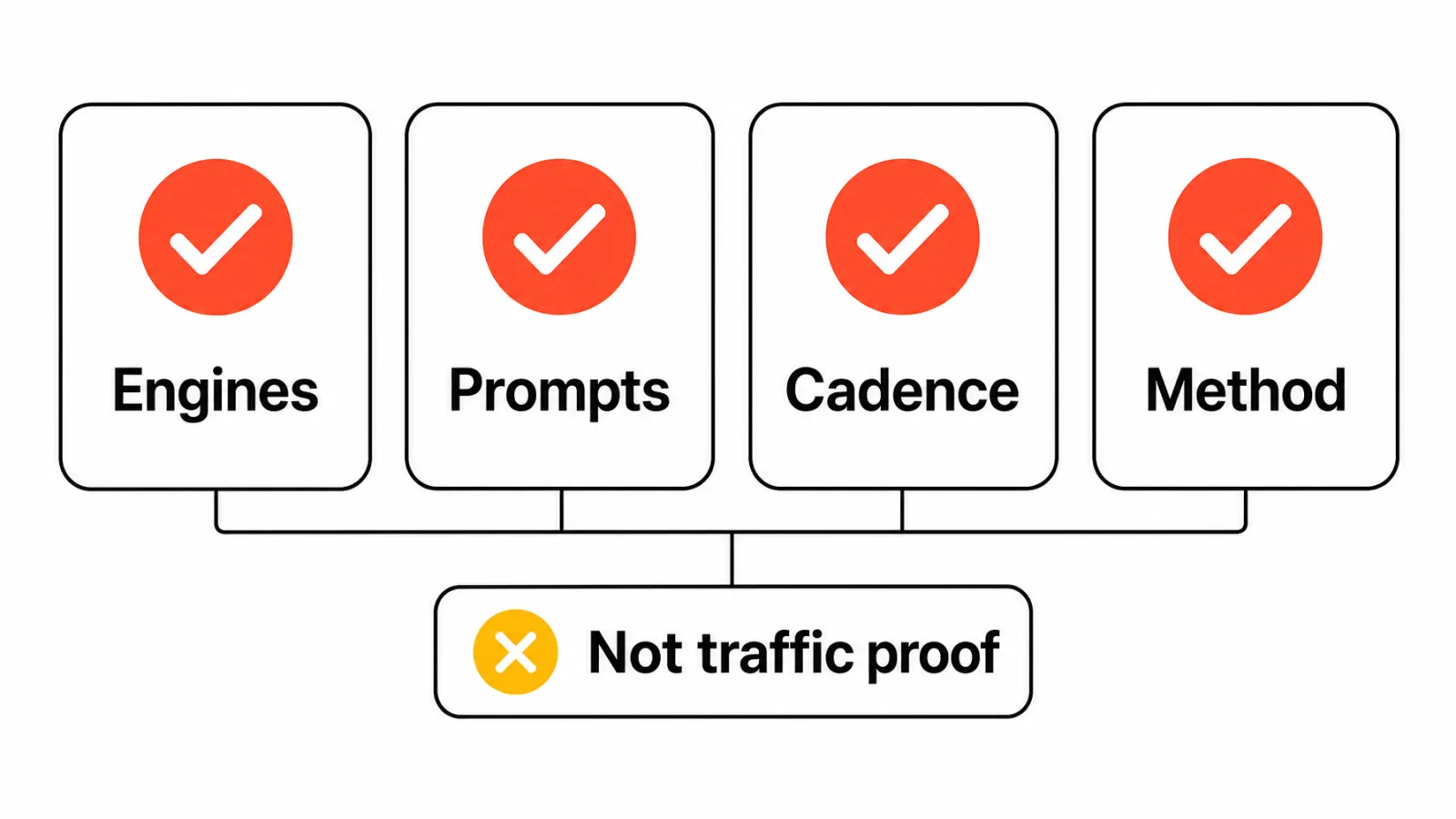
Report AI visibility as an emerging signal, not proof of traffic or revenue
A mention isn't a click or a conversion. Label it visibility, and keep GSC clicks and GA4 key events as your outcome metrics.
How to automate SEO reporting for clients
To automate SEO reporting, connect each client's data sources once, lock in one standard report, and schedule delivery so your team only reviews and adds commentary. The steps below work in any of the tools above, from Looker Studio to a dedicated agency platform.
1. Standardize one report before you automate it
Automating a messy report just sends the mess faster. Agree on a fixed structure first: a short summary, GSC clicks, impressions, CTR, and position, GA4 key events, rankings, technical health, AI visibility (labeled separately), and next actions. If you need a starting point, use this SEO client report template.
2. Connect data sources at the client level
Connect GSC, GA4, rank tracking, and audit data per client, with each client's own permissions. Use access the client grants to your agency, not one team member's personal login, so a staff change doesn't break every report.
3. Set comparison periods and alerts
Pick your default comparisons, such as month over month and year over year, so seasonal clients aren't misread. Then decide in advance what counts as a drop worth flagging, and set alerts so you hear about it mid-month instead of in the report.
4. Schedule delivery with a review buffer
Search Console data arrives with a short delay, so don't pull numbers on the first of the month. Schedule the data refresh a few days before the client due date, generate the draft report, and leave time for review before it goes out.
5. Keep a human on commentary and approval
Automate the numbers, not the narrative. An AI-drafted summary can be a starting point, but an account manager should check every claim, explain why numbers moved, and approve the send. For where automation should stop in general, see these SEO automation workflows.
6. Turn findings into tasks
A report that ends with "traffic is down" isn't finished. Each report should close with next actions, such as pages to refresh, technical fixes, or new topics, that land in your team's workflow. This is where a connected platform like Keytomic helps, because the work and the reporting live in one place.
What to automate and what to keep human
Reporting step | Automate | Keep human |
|---|---|---|
Data pulls from GSC, GA4, and rank tracking | Yes | Check connections when a number looks off |
Charts and period comparisons | Yes | Choose the comparisons that fit the client |
Drop and anomaly alerts | Yes | Decide whether a drop matters |
Summary and commentary | First draft only | Final wording and the "why" |
Next actions | Suggestions | Prioritization and sign-off |
Delivery | Scheduling | Approval before sending |
How to choose the right agency SEO reporting software
Use these five steps when comparing SEO reporting tools for agencies, and change one variable at a time.
Map the tool to your client portfolio and reporting cadence
Define the deliverable: monthly PDF, live dashboard, or client portal.
List source systems and confirm client permissions for each.
Calculate total cost per active client
Add the base plan, report packs, seats, and add-ons, then divide by active clients. Note the billing term, since annual and monthly prices differ.
Run one representative account before migrating every client
Rebuild one real report, including scheduling and white-label delivery.
Document who adds commentary and approves the report before it's sent.
Why agencies may choose Keytomic for connected SEO reporting workflows
Connect research, planning, content, publishing, indexing, and visibility tracking
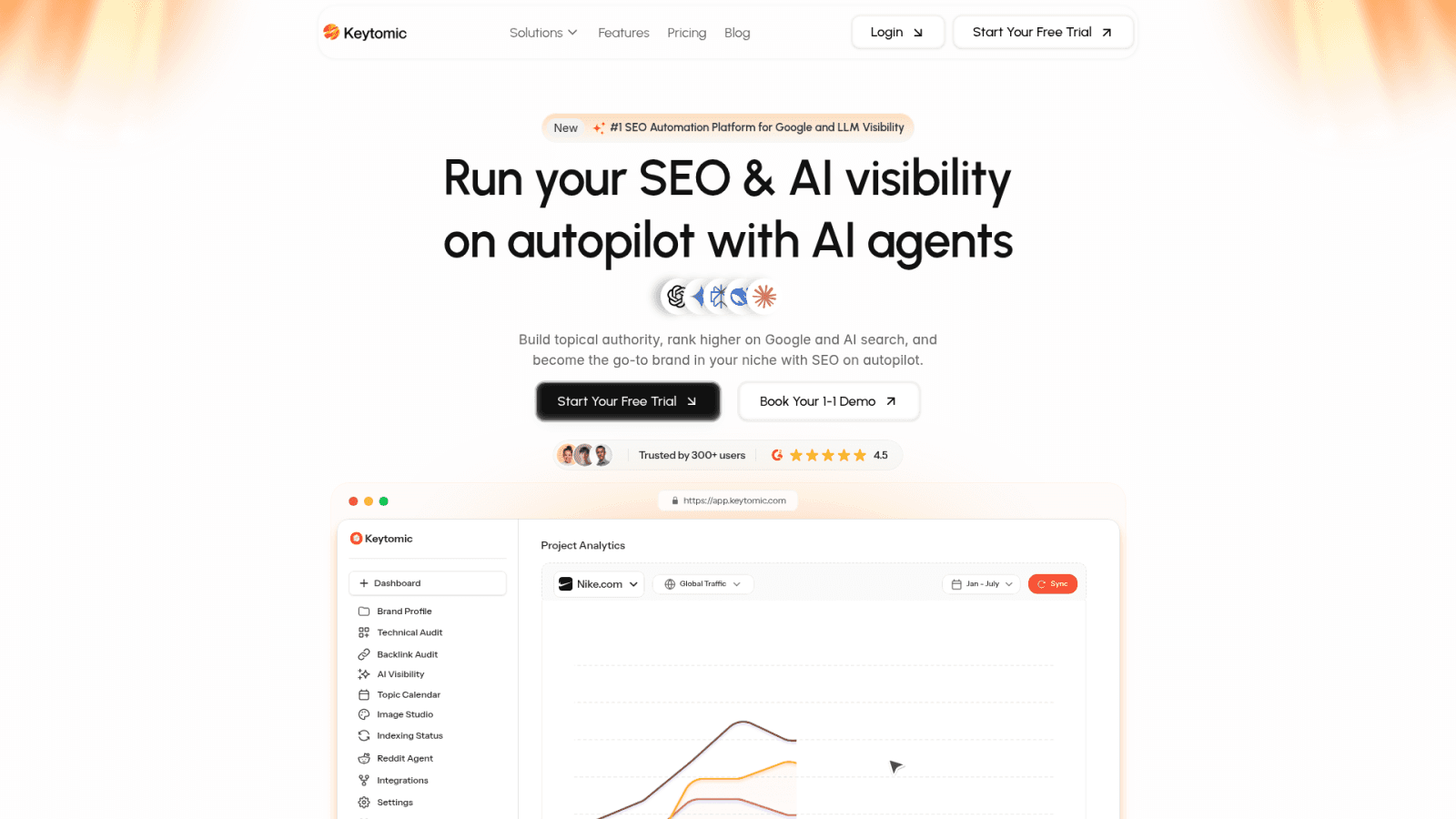
Keytomic is a broader SEO workflow platform that includes reporting and AI visibility, rather than a reporting-only tool. It links keyword research, topical planning, content creation, CMS publishing, technical audits, and visibility monitoring across Google and AI answer engines. That's why Keytomic's agency SEO workflow keeps the reported outcome next to the work behind it.
Use approval gates instead of treating automation as a replacement for judgment
Keytomic's model is approval-based, so a person reviews work before it ships. Topic choice, client commentary, and brand voice still need your team's judgment. For where automation should stop, see SEO automation workflows and approval steps.
When Keytomic is not the right fit
Keytomic may not be the right fit if an agency only needs a standalone white-label reporting layer, a deep backlink database, or a forensic crawling platform. In that case, a dedicated reporting platform is the cleaner choice.
Frequently asked questions about SEO reporting tools for agencies
What is the best SEO reporting tool for an agency with multiple clients?
Among SEO reporting tools for agencies, it depends on your bottleneck. Choose AgencyAnalytics or DashThis for reporting, Semrush or SE Ranking for research plus reports, Keytomic for connected workflow.
How do agencies automate SEO reporting?
Standardize one report, connect GSC, GA4, and rank data per client, schedule delivery a few days before the due date, and keep a human on commentary and approval. Automated SEO reports still need review before they're sent.
What should an SEO client report include?
Include GSC clicks, impressions, CTR, and position, GA4 key events, rankings, technical health, and next actions. Label AI visibility separately.
What is white-label SEO reporting?
It's reporting delivered under your agency's brand. Check logo, colors, custom domain, email sender, PDF export, and client portal individually.
Can Looker Studio replace dedicated agency reporting software?
Sometimes. It's no-cost and connects to Google data, but your team builds, maintains, and governs every dashboard.
Do SEO reporting tools connect to Google Search Console and GA4?
Many do. AgencyAnalytics, Semrush, DashThis, and Looker Studio document both; verify the rest on official vendor pages.
Do SEO reporting tools track Google AI Overviews and ChatGPT visibility?
Some offer AI visibility features, including Semrush, SE Ranking, and Keytomic, but engines, prompts, and cadence vary. Confirm each before comparing numbers.
How should an agency calculate the cost of SEO reporting software?
Add monthly software cost and required add-ons, then divide by active client accounts. It's a planning calculation, not a vendor quote.
Which SEO reporting tool is best for local SEO agencies?
BrightLocal is the local specialist here, with white-label local reports and ranking alerts. Pair it with another tool for broad non-local research.
Choose the reporting model that matches your agency
The best SEO reporting tools for agencies aren't ranked by dashboard polish. They're matched to how your agency works:
Dedicated reporting platform: when the main problem is branded reports, dashboards, client access, and recurring delivery.
SEO suite: when research, rank tracking, audits, AI visibility, and reporting should share one account.
Connected SEO workflow platform: when reporting should tie to research, content planning, publishing, indexing, technical health, and AI visibility.
Your next steps:
Choose one representative client account.
List the required data sources and client permissions.
Calculate total cost using current plan limits and add-ons.
Confirm the human approval and commentary workflow.
Run a trial or demo before migrating the full portfolio.
If connected workflows look like your bottleneck, review Keytomic's agency workflow and check current pricing before you decide.